

Most content creators approach social linking the same way: add every platform they're on and call it done. That mindset costs you clicks, followers, and sales every single day. Understanding the right types of social links to include means thinking strategically about what your audience actually wants to find, where they are most likely to engage, and which connections build long-term brand authority rather than just visual noise. This guide breaks down each category, compares them side by side, and gives you situational advice you can apply today.
Table of Contents
- Key takeaways
- 1. Types of social links to include: the criteria framework
- 2. Profile links and bio links as owned social links
- 3. Social sharing links and buttons to amplify content reach
- 4. Community platform links for earned social connections
- 5. Comparison of social link types
- 6. Situational recommendations by creator and marketer type
- My honest take on social link strategy
- Take control of your links with Lflow
- FAQ
Key takeaways
| Point | Details |
|---|---|
| Quality beats quantity | Two active, relevant profiles consistently outperform ten neglected ones. |
| Three categories to master | Owned, earned, and amplified links each serve a different strategic purpose for growth. |
| Placement is flexible | Social links work in headers, footers, about pages, and bio hubs with no strict location rule. |
| SEO impact is indirect | Most social platform links carry nofollow tags, so focus on referral traffic over PageRank. |
| Treat bio links as live products | Regular auditing and link verification prevent click loss and user drop-off. |
1. Types of social links to include: the criteria framework
Before you add a single link, you need a way to evaluate whether it belongs. Not all social media link options are created equal, and the wrong ones create friction instead of connection.
Start with audience relevance. The platforms your followers actually use should dictate which profiles you link. B2B creators get more mileage from LinkedIn and X, while B2C brands and lifestyle creators see stronger results on Instagram, TikTok, and YouTube. Two well-maintained profiles relevant to your audience will always outperform a grid of ten dusty icons.
Next, think in three modes. Owned, earned, and amplified links each serve different goals. Owned links are the profiles and hubs you control directly. Earned links come from organic mentions across the web. Amplified links are paid or influencer-driven shares. Knowing which category a link belongs to tells you how to measure it.
- Owned: Profile pages, bio link hubs, your own website's social icons
- Earned: Community mentions, press features, user shares
- Amplified: Sponsored posts, influencer reposts, paid social distribution
Placement matters too. Links can live in a footer, header, or About page without any strict location requirement. The key is reachability. And always track performance. A link nobody clicks is a link worth removing.
Pro Tip: Run a quick audit every 90 days. Remove links to platforms you haven't posted on in six months. Dead links erode trust faster than no link at all.
2. Profile links and bio links as owned social links
Owned links are your foundation. These are the direct connections between your website or bio and the social platforms where you are actively building an audience.
The most obvious version is the social icon row: small platform logos in your site's header or footer that point to your Instagram, LinkedIn, TikTok, YouTube, or X profile. They are expected by visitors and trusted signals of legitimacy. When a brand new follower lands on your site, those icons say "we're real and we're active."
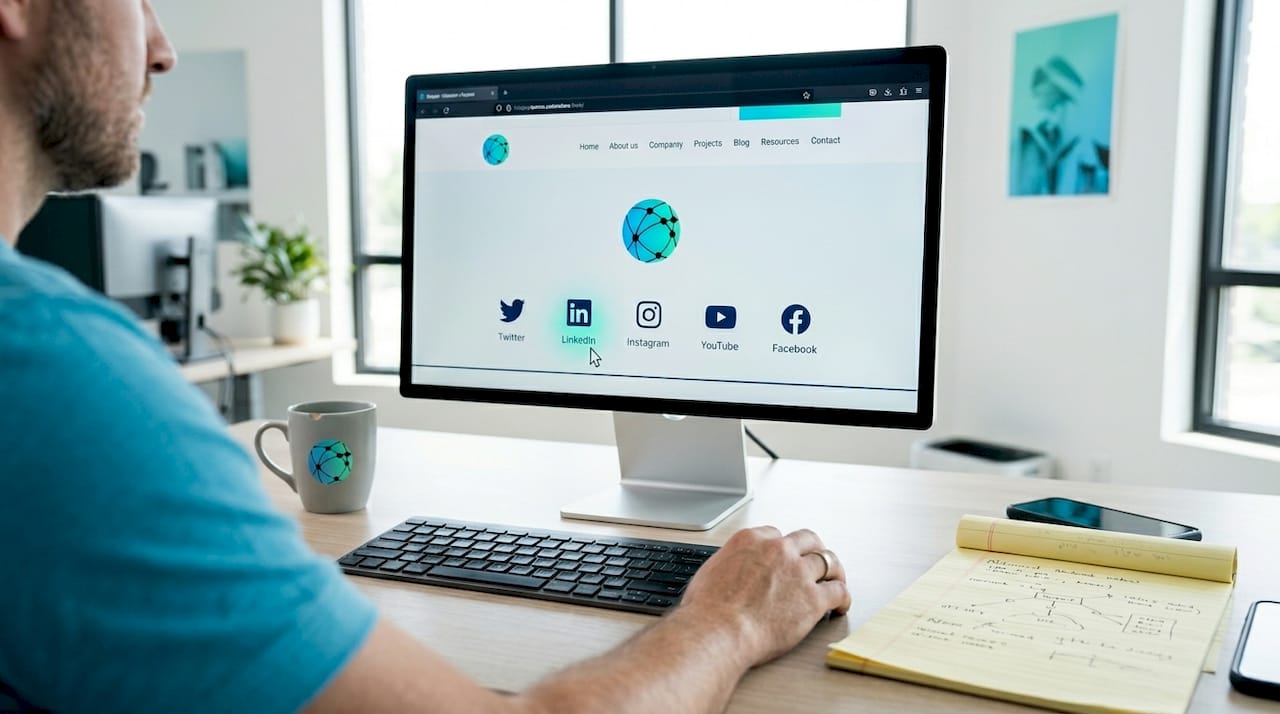
Bio link hubs take this a step further. Instead of cramming ten destinations into a single Instagram bio field, you create one URL that fans click to reach a custom page with all your links organized cleanly. Think of it as a mini homepage. You can include links to your latest video, your product store, your newsletter signup, and your other social profiles from a single branded destination. Platforms like Lflow let you manage all of this from one place, with real-time analytics so you know what people actually click.
Best practices for owned links:
- Verify each link works on mobile before publishing (most social traffic is mobile)
- Use a consistent handle across platforms to reinforce brand recognition
- Update your bio link hub whenever you launch something new instead of letting it go stale
- Treat your bio page like a live product that gets updated regularly, not a set-it-and-forget-it page
Pro Tip: Put your most time-sensitive link at the top of your bio hub. If you're promoting a limited offer or new video, that belongs in position one. The first link gets the most clicks by a wide margin.
You can explore creative bio link ideas that go well beyond the standard profile list if you want to get more out of this owned real estate.
3. Social sharing links and buttons to amplify content reach
Social sharing buttons are different from profile links. Instead of pointing visitors to where you live online, these buttons let visitors share your content to their own networks. That distinction matters enormously for growth.
When someone reads your article and clicks a "Share on LinkedIn" button, they become a distribution channel. Their network sees your content without you doing anything extra. Social sharing buttons increase content visibility and allow real-time tracking of shares and engagement, which means you get both distribution and data.
The most commonly included platforms for sharing buttons:
- Facebook for broad consumer reach and group sharing
- LinkedIn for professional content and B2B audiences
- X (Twitter) for real-time conversation and link-heavy content
- Pinterest for visual content, recipes, fashion, and home design niches
What makes sharing buttons genuinely useful is the customization. Popular WordPress sharing plugins support 15 or more networks and let you pre-fill hashtags, titles, and shortened URLs. That means when someone shares your article about productivity tips, the auto-generated tweet can already include your branded hashtag. You control the message even when someone else does the sharing.
Pro Tip: Place sharing buttons both at the top and bottom of long-form content. Readers who finish an article are significantly more motivated to share than those who just started.
4. Community platform links for earned social connections
Earned links are the hardest to get and the most valuable when you do. They come from people citing your content, mentioning your brand, or linking to you because you genuinely added value to their conversation.
Community platforms like Reddit, Quora, Discord, Facebook Groups, and LinkedIn Groups are where earned links are born. When you answer a question on Quora with genuine depth, your profile and any relevant link you include gets seen by thousands of people searching that topic. When you contribute consistently in a niche Discord server, members start linking your content in their own posts.
The distinction from amplified links is important. Paid amplification can kick-start earned mentions and grow your audience, but it doesn't replace the trust signal that comes from an organic mention. Earned links carry more credibility because they weren't bought.
Strategies that actually work in community spaces:
- Answer questions with full, specific answers before mentioning your own content
- Share links only when they are the best available resource for what was asked
- Engage regularly without linking so your non-promotional presence is established first
- Avoid cross-posting identical content to multiple forums simultaneously
One caution: most social platform links use nofollow or UGC tags, which means direct PageRank transfer is minimal. The real value is referral traffic and brand discovery, not SEO rankings. Set realistic expectations and measure the right outcomes.
5. Comparison of social link types
Here's a side-by-side view of the main categories to help you decide where to focus.
| Link type | Placement | Traffic source | SEO impact | Engagement level | Maintenance effort |
|---|---|---|---|---|---|
| Profile links (owned) | Header, footer, About page | Direct visitors | Low (nofollow) | Medium | Low |
| Bio link hubs (owned) | Social media bios | Social followers | Low (nofollow) | High | Medium |
| Social sharing buttons | Blog posts, articles | Visitor networks | Low (nofollow) | High | Low |
| Community mentions (earned) | Forums, Q&A platforms | Search and community | Medium (UGC tag) | High | High |
| Paid amplification (amplified) | Sponsored posts | Paid audiences | None | Variable | High |
The takeaway from this table is that no single link type covers every need. Profile links build legitimacy. Bio hubs centralize your traffic. Sharing buttons extend your content's reach. Earned community mentions build authority. Amplified links accelerate distribution when you need a push.
6. Situational recommendations by creator and marketer type
Not every creator or marketer needs the same mix. Here's how to match your goals to the right link types.
For B2B marketers and consultants: LinkedIn profile links belong in every email signature, website footer, and content bio. Sharing buttons on blog posts should include LinkedIn as the primary option. Community participation in LinkedIn Groups and Quora builds the kind of earned authority that generates inbound leads over time.
For B2C brands and e-commerce creators: Instagram and TikTok profile links are non-negotiable. Your bio link hub should point directly to product pages, lookbooks, or your newsletter. Pinterest sharing buttons matter more here than anywhere else, especially for visual product content.
For media creators and YouTubers: YouTube channel links go in every blog post and podcast description. X profile links encourage real-time conversation around new releases. A well-structured bio hub that surfaces your latest content keeps returning fans engaged without requiring them to search.
Here's a simple process for auditing and updating your link setup:
- List every platform where you publish content consistently
- Confirm that each platform has a working, updated link somewhere on your website
- Check that your bio link hub reflects your current priorities, not last quarter's campaign
- Review your sharing buttons and confirm they include the two or three platforms your audience prefers
- Identify one community platform where your audience already gathers and start contributing
Pro Tip: Don't spread paid amplification across every platform. Pick the one channel where your audience is most concentrated and put your full budget there. Scattered spending rarely moves the needle for independent creators.
You can also read about why limiting yourself to one platform can quietly limit your brand's growth if you've been thinking about simplifying your presence.
Using all-in-one link tools can make it significantly easier to manage this entire framework from a single dashboard rather than updating each profile separately.
My honest take on social link strategy
I've reviewed hundreds of creator profiles and marketer websites, and the most common mistake I see isn't having too few links. It's having too many links going nowhere useful.
I've seen Instagram bios with eight links, none of which lead to anything updated in the past year. I've seen websites with social icons that point to deleted accounts. Every broken or irrelevant link is a silent signal to your audience that you're not paying attention.
What I've learned is that effective social media links are less about coverage and more about intention. When I work through a link audit with someone, the question I always ask first is: "What do you want someone to do within 10 seconds of landing here?" That single question eliminates half the links immediately.
The platforms have also changed how linking works. Nofollow tags are standard. Algorithms suppress outbound links in feeds. The idea that more social links means better SEO stopped being true years ago. What actually builds authority is consistent presence on two or three platforms that your specific audience uses, combined with genuine community participation that generates organic mentions.
Treat your link profile the way a product team treats a product. It needs regular updates, user feedback, and a clear success metric. Click-through rate on your bio hub is a real number you can improve. The number of platform icons in your footer is not.
— Axion
Take control of your links with Lflow
Managing the types of social links to include across every platform manually is exactly as tedious as it sounds. Every new campaign means updating your Instagram bio, your TikTok bio, your Twitter link, and wherever else you send traffic. One forgotten update sends followers to a dead page.

Lflow solves this with a single, branded bio link hub that you update once and reflects everywhere. You get unlimited links, free QR codes for offline promotion, real-time analytics to see which links actually get clicked, and full customization so your hub matches your brand. Setup takes under two minutes. Whether you're a solo creator building your audience or a marketer running multiple campaigns, Lflow's free link in bio gives you a professional, mobile-optimized link hub without the ongoing manual work.
FAQ
What are the main types of social links to include?
The three core categories are owned links (profile pages and bio hubs), earned links (community mentions and organic shares), and amplified links (paid or influencer-driven distribution). Each type serves a different goal and works best when used together.
Do social media links help with SEO?
Not directly. Most social links carry nofollow or UGC tags, which means they pass minimal PageRank. Their real value is referral traffic, brand discovery, and building the kind of visibility that leads to naturally earned backlinks over time.
How many social links should I include in my bio?
Quality over quantity always wins. Two well-maintained profiles relevant to your audience consistently outperform a long list of inactive ones. Focus on the platforms where your audience is most active.
Where should I place my social profile links on my website?
Links can go in any reachable location, including the footer, header, About page, or Contact page. There's no strict rule on placement, so choose the spot that makes the most sense for your site's layout and user flow.
How often should I update my bio link hub?
Treat your bio link hub like an active product page and update it whenever you launch new content, campaigns, or offers. At minimum, audit all links every 90 days to catch broken destinations before they cost you clicks.