
Finding a link in bio tool that supports monetization, file intake, and analytics in one place remains confusing for creators and small business owners. Many tools gate key features like analytics, custom branding, or commerce tools behind paid tiers or limit flexibility on free plans. This guide compares pricing, analytics, monetization, and file support across five alternatives so creators can match a tool to their workflow without trial and error.
Table of Contents
Linkflow
At a Glance
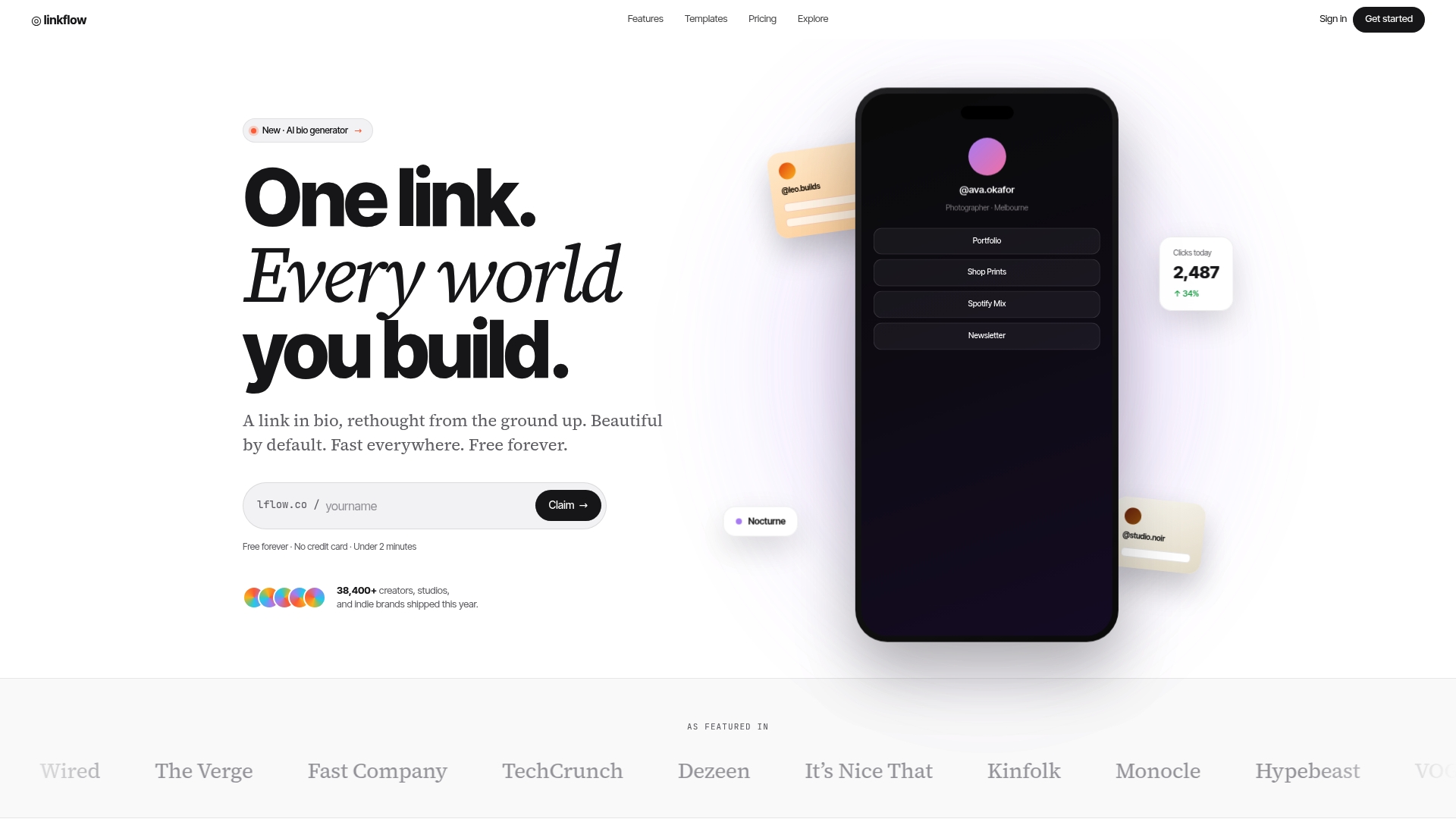
Linkflow reports pages load under 120ms, a claim that promises near-instant access for mobile visitors. The service advertises a free forever plan that includes unlimited links and templates. It also generates downloadable QR codes for offline campaigns and tracks clicks by source, device, and geography.
Core Features
Linkflow supplies unlimited links on a single bio page and branded short URLs while offering over 30 customizable templates for different creator niches. The site includes real time click analytics, a branded QR code generator, and mobile optimized page designs that work across Instagram, TikTok, YouTube, Twitter, and LinkedIn. Paid options add custom domain support and expanded analytics retention.
Key Differentiator
A free plan that combines unlimited links with built in analytics and fast static pages sets Linkflow apart from basic link lists. The platform pairs downloadable QR codes with dynamic destination updates so offline materials can point to changing pages without reprinting. That mix of offline and online link control is rare among similar offerings.
Pros
Linkflow makes it simple to build a branded hub with unlimited links and a variety of templates, so creators can set up a clean landing page quickly. The platform reports fast page loads via static site generation, which reduces friction for mobile visitors. Analytics are readable at a glance and include source, device, and geography, which helps you compare social platforms and campaigns. QR code generation and dynamic short links let small teams run offline promotions without technical overhead.
Cons
- Advanced analytics and custom domain features require a paid plan.
Who It's For
Solo creators, indie brands, and small business owners who need a low cost way to publish a single branded link with tracking will find Linkflow useful. People who run print campaigns or events benefit from downloadable QR codes and dynamic short links. Teams that need extended analytics retention or enterprise level routing will likely need a paid tier.
Unique Value Proposition
A free forever tier that supports unlimited links, template customization, and downloadable QR codes lowers the cost of testing social and offline campaigns. For creators with limited budgets this means running multiple short link experiments and tracking outcomes without an initial subscription. Paid upgrades remain available when a project needs custom domains or longer analytics history.
Real World Use Case
A wedding photographer publishes a Linkflow bio page that links to a portfolio, prints shop, and booking form. The photographer prints QR codes on client proofs and event flyers, then updates the QR destinations as offers change. Click reports show which social channels and print locations drive the most traffic, informing where to spend promotion time and budget.
Website: https://lflow.co
Hopp
At a Glance
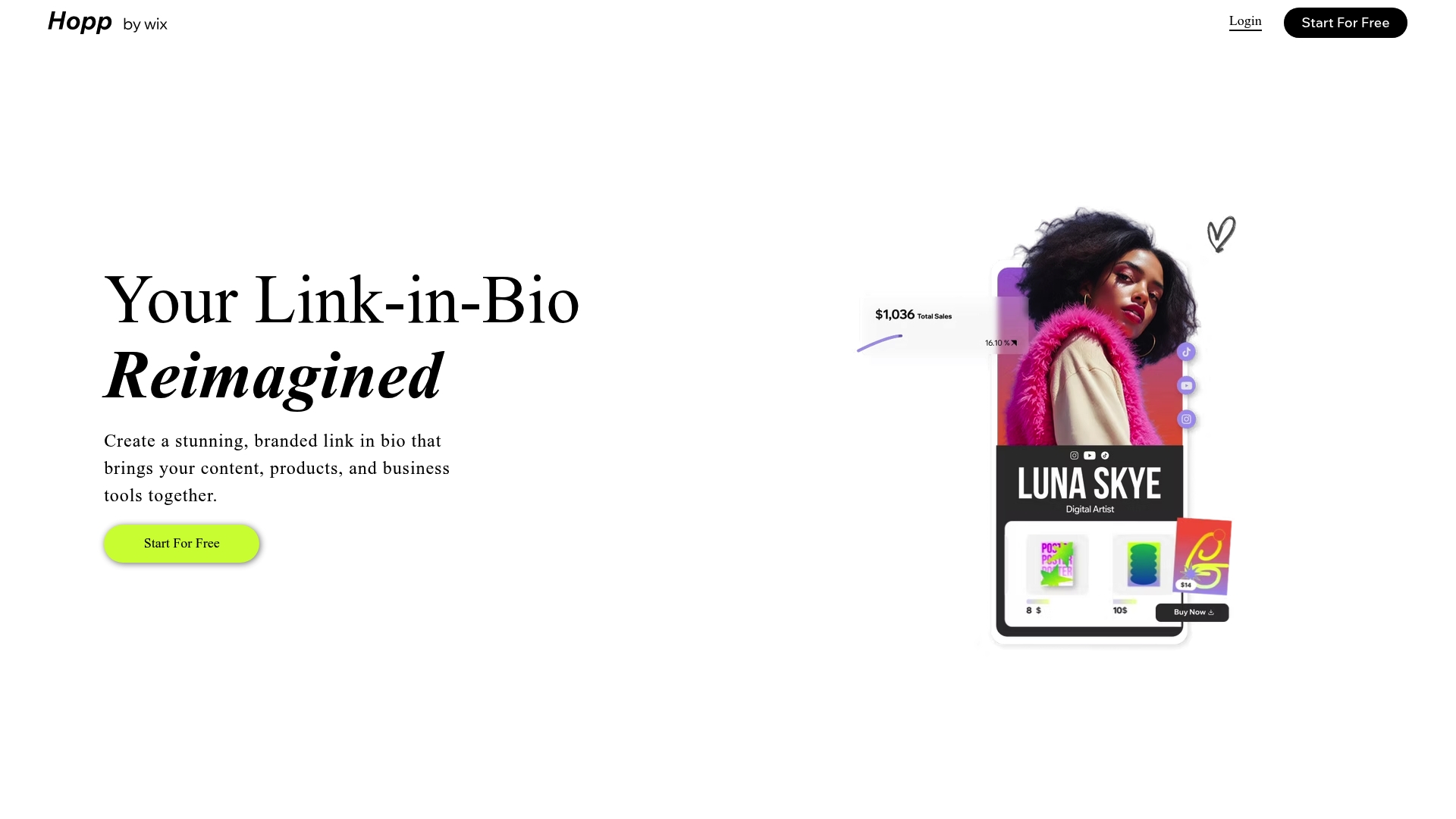
Powered by Wix, Hopp lets creators sell products, accept bookings, and run email campaigns from a single bio link. The platform combines designer made layouts with built in commerce, forms, and membership tools. That mix makes Hopp behave more like a compact mini site than a simple link list.
Core Features
Hopp provides customizable, designer made layouts and branding controls that require no coding. You can sell digital and physical products, run dropshipping and print on demand offers, and apply coupon codes from the same page. The tool also handles bookings, memberships, and lead capture using forms and email campaigns. Built in analytics reports basic traffic and engagement so you can see what links perform.
Key Differentiator
Hopp’s main advantage is the Wix integration that powers full mini sites behind a single link. That connection unlocks booking and commerce features usually found on standalone sites. For creators who want a branded landing page that also sells and schedules, Hopp brings those capabilities into one place.
Pros
Hopp offers strong branding and layout control, so you can match the look and feel of your social profiles. The commerce features let you sell both digital and physical items while supporting coupon codes and dropshipping. Booking and membership tools mean you can take appointments and sell recurring access without a separate tool. The interface requires no coding, which speeds setup for creators and small businesses.
Cons
- Design flexibility can feel deep. Learning curves appear when customizing complex layouts.
- The free plan limits advanced commerce, analytics, and some integrations.
- Several backend features rely on Wix services, which creates dependency on that ecosystem.
When It May Not Fit
If you need advanced analytics or specific third party integrations on a free plan, Hopp may not meet those requirements. Teams that require enterprise grade reporting or custom APIs will likely need a paid plan or a different vendor. If you prefer a minimal one page link list rather than a mini site, Hopp’s feature set may be more than necessary.
Who It's For
Hopp fits content creators, influencers, and small business owners who want a branded mini site in their bio. It also suits sellers who want commerce and booking without separate storefronts or scheduling tools. Choose Hopp if you value design control and built in monetization tools.
Real World Use Case
A fitness coach uses Hopp to display her class schedule, sell digital workout plans, and collect emails from Instagram and TikTok bios. Followers tap her single link, book a session, and buy a plan without leaving that page. The coach then reviews the built in analytics to see which posts drive traffic.
Pricing
Hopp offers a free plan with basic features and paid plans that unlock commerce, advanced analytics, and custom domains. The vendor states paid tiers add the advanced features listed above and domain support. Exact plan names and prices are not publicly listed in the product data.
Website: https://hopp.co
MinglyLink
At a Glance
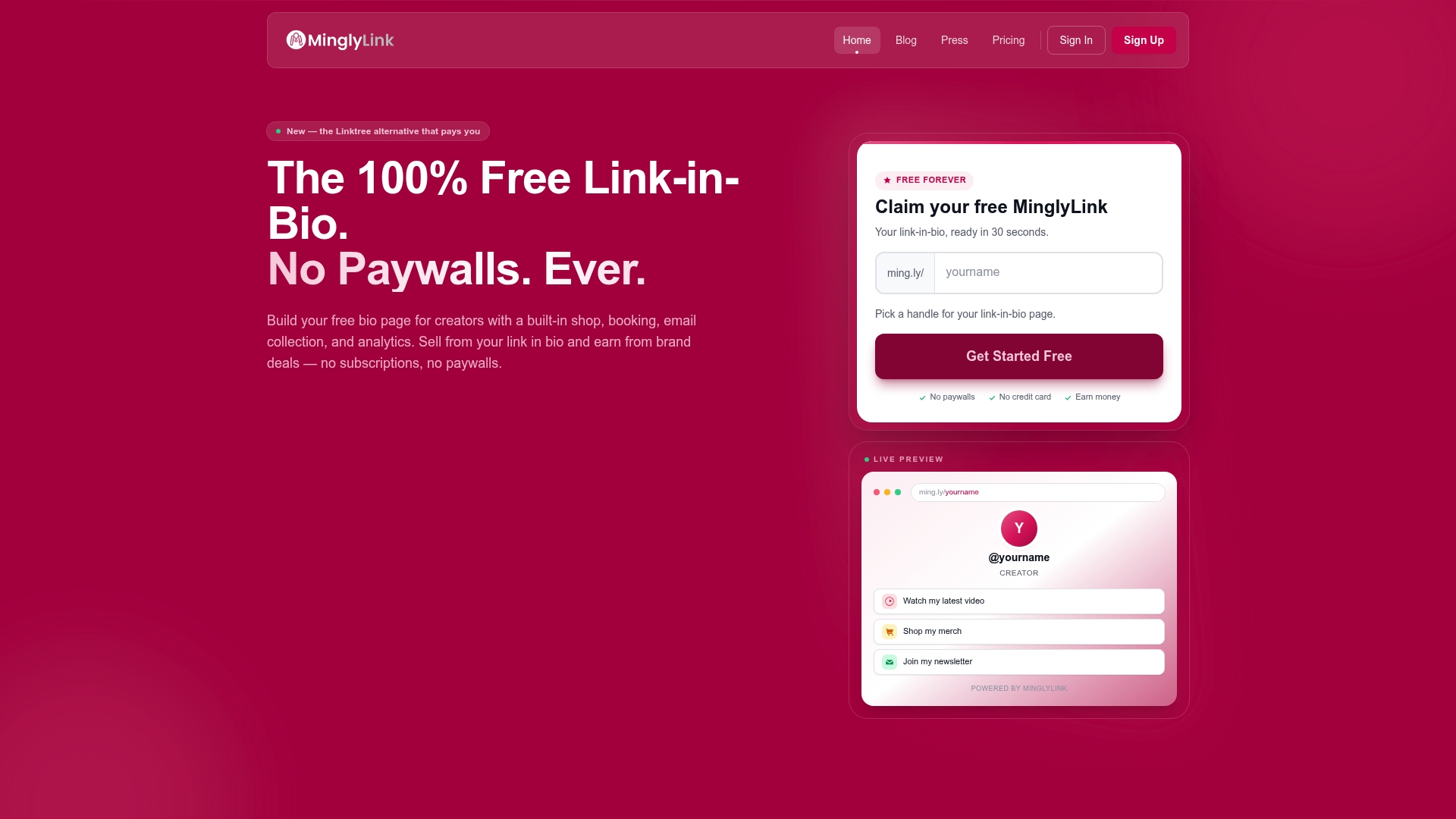
MinglyLink reports a 60% ad revenue share with creators. The vendor advertises a free forever pricing model and no subscription fees for creators. Operations are based in the UK and the platform focuses on creator monetization and customization.
Core Features
MinglyLink combines a built-in shop, booking and appointment scheduling, and email newsletter capture so creators can sell products and collect leads from one page. The platform includes an analytics dashboard that tracks clicks, visits, and earnings, plus SEO options and safety features to protect creator accounts. Monetization comes from curated ad offers and brand deals that pair with creator pages.
Key Differentiator
The standout claim is the revenue sharing model that returns a large portion of ad income to creators. That revenue-share figure sits alongside full customization and SEO tools, which the vendor positions as a way for creators to monetize without paywalls.
Pros
MinglyLink is free for creators, which lowers the barrier to start selling and running ads on a bio page. The platform bundles commerce, booking, and email capture so you can run direct sales and collect leads without adding separate tools. Its analytics and advertised revenue-share give creators visibility into earnings and campaign performance.
Cons
-
Monetization depends heavily on audience trust and creator activity; earnings may fluctuate.
-
The platform targets influencer and creator use cases and is not intended for large e-commerce catalogs.
-
Very small or inactive audiences will likely see constrained monetization opportunities.
When It May Not Fit
If you run a large online store with dozens of SKUs, this product will feel limited compared with full e-commerce platforms. If your audience is small or rarely engages, ad offers and brand deals will probably underperform. Agencies managing enterprise clients will find the feature set oriented to individual creators rather than to complex workflows.
Who It's For
Creators, influencers, and small sellers who want a single, customizable bio page that can also generate revenue. People who value zero upfront fees and simple tools for selling downloads, booking sessions, and collecting emails will get the most value. Brands and advertisers seeking performance campaigns on creator pages can also use it as an entry point.
Real World Use Case
The vendor shares an example where Emily, a fashion blogger, earned over $500 in her first month through ad commissions and product sales. Emily used the built-in shop to sell seasonal prints, added booking for styling sessions, and placed targeted ad offers on her bio page. That mix of direct sales and ad revenue showed how creators can combine features to diversify income.
Pricing
Pricing is advertised as free forever for creators with no subscription fees. The platform appears to monetize by running ads and offering brand deals that share revenue with creators.
Website: https://mingly.link
OneLink
At a Glance
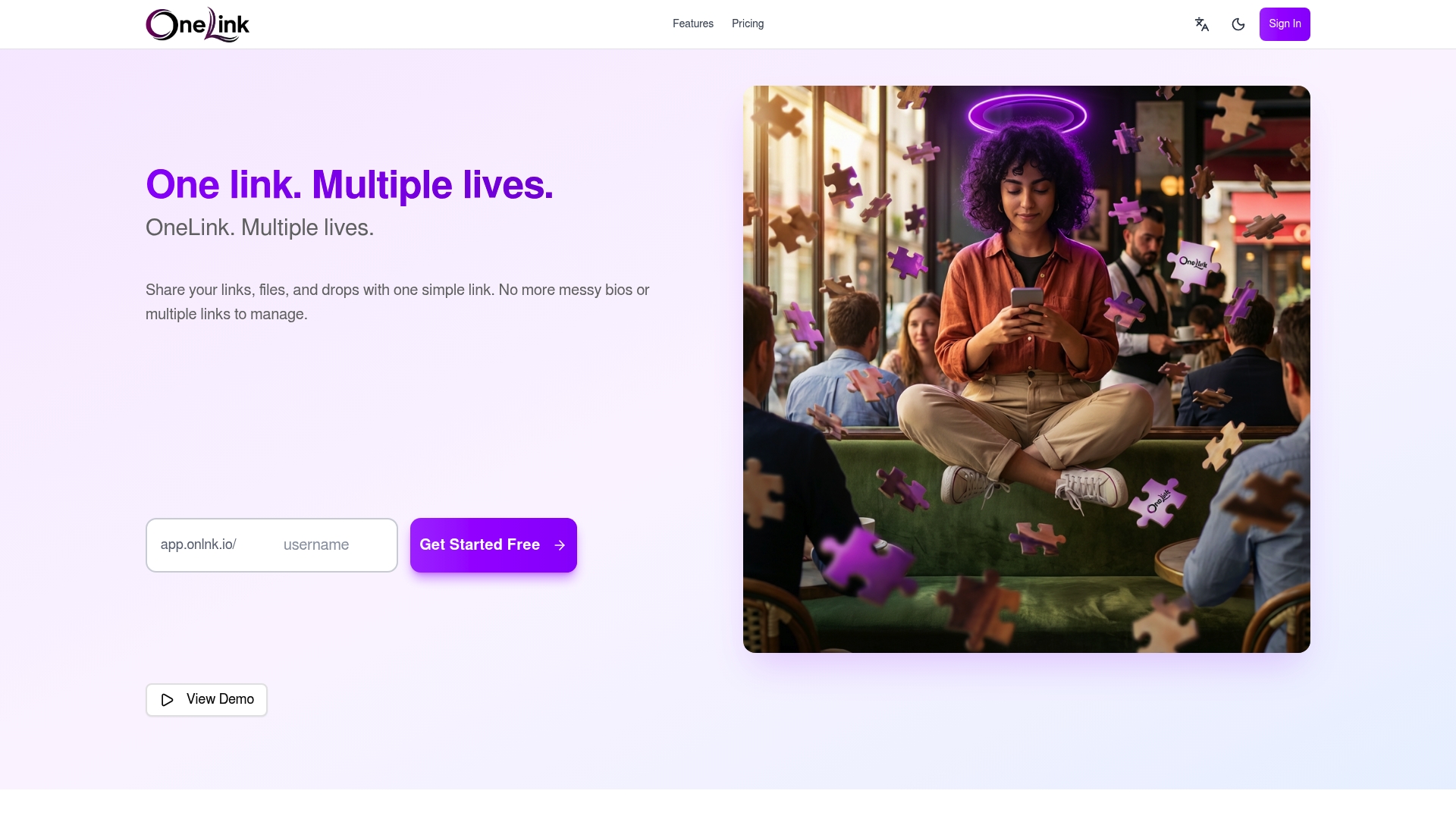
The vendor states OneLink is GDPR compliant and hosted in Europe. That geographic hosting and privacy positioning stands out for creators who handle client files. OneLink offers a free plan plus paid tiers that add custom domains and expanded analytics. Real-time notifications and file collection make it useful for client intake and social bio links.
Core Features
OneLink bundles a single sharable link for multiple content types with file sharing and privacy controls. The platform delivers real-time notifications and analytics so you know when people interact with your link and uploads. Customizable profiles with themes and branding, plus encryption, let creators present a polished hub and control access to shared files.
Key Differentiator
OneLink combines link management and file collection in one interface, rather than splitting those functions across two tools. That compliance claim, together with built-in analytics and file controls, targets users who need both audience entry points and private file intake. The result is a compact workflow for creators who collect assets and distribute links from the same place.
Pros
Setup is straightforward, so you can consolidate social links and drop folders quickly. The platform emphasizes privacy controls and the compliance claim above, making it a sensible choice for client work that requires European hosting. Real-time analytics reveal engagement as it happens, and paid tiers add custom domain options and deeper controls. Small teams and freelancers will appreciate the mix of link management and file intake in one product.
Cons
- The free plan limits analytics and advanced features, which makes it hard to evaluate long-term engagement without upgrading.
- File retention varies by plan, so relying on OneLink for long-term storage can be risky.
- Custom domains and enhanced analytics are locked behind paid tiers, which raises cost for users who need branding and reports.
When It May Not Fit
If you need long-term file archiving, OneLink’s tiered retention could force you to use a separate storage service. Heavy users who require enterprise analytics or multi-seat team controls will find the free and lower tiers restrictive. Organizations that need integrations with third-party CRMs or automation tools may miss those capabilities here.
Who It's For
Content creators, freelancers, and small business owners who need one place to list links and collect files will get the most from OneLink. It fits people who value privacy and want European hosting for client submissions. Choose it if you prefer a single hub for bio links, client intake, and simple analytics.
Real World Use Case
A freelance designer can publish a OneLink URL on Instagram, collect brief files from clients through upload drops, and receive real-time notifications when a client uploads assets. The designer then checks the analytics to see which campaign link drives the most submissions and switches the featured link accordingly.
Pricing
OneLink offers a Free tier and two paid plans. Starter €6/month unlocks more features. Pro €12/month adds advanced customization and analytics. Custom domain options appear in higher tiers.
Website: https://onlnk.io
zezam.io
At a Glance
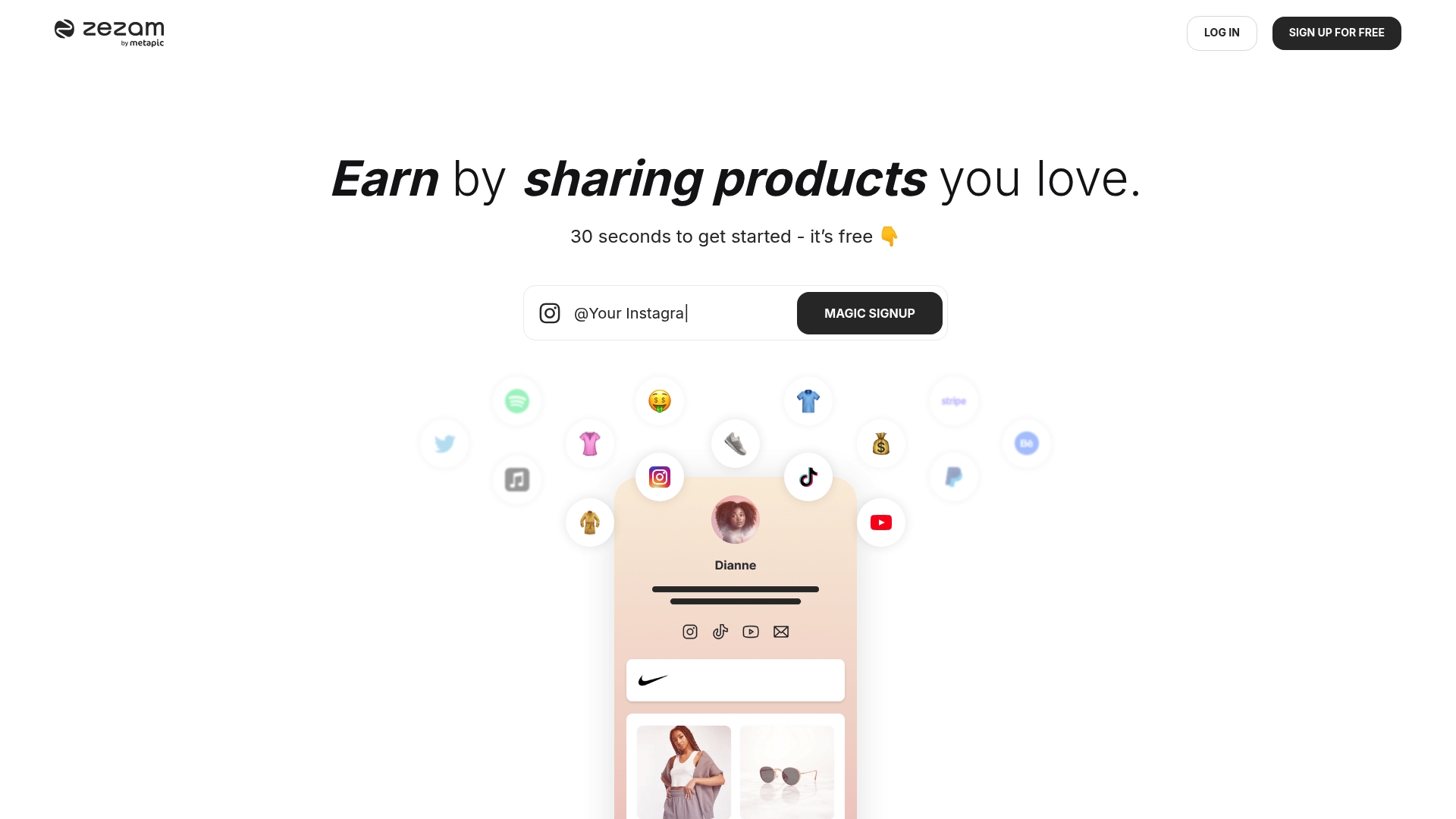
zezam.io's marketing materials state thousands of creators use the platform to monetize links and accept payments directly from followers. The platform combines customizable link-in-bio pages with embedded music, video, and social posts to create richer profile hubs. Creators can accept tips, donations, and paid content requests through integrated payment providers.
Core Features
Creators get multisection, customizable link pages that host embeds for playlists, videos, and social posts, and those pages display basic engagement metrics. The platform includes analytics for tracking clicks and audience behavior, plus built-in monetization tools such as tips, donations, and paid content requests. Payments route through common processors including Stripe and PayPal, so creators receive funds without separate storefronts.
Key Differentiator
The vendor advertises an all-in-one approach that puts monetization tools, customization, and analytics inside a single creator-facing hub optimized for Instagram and TikTok. That combined toolset reduces the number of third-party services a creator must assemble to sell directly to followers. For creators who prioritize in-profile monetization over external storefronts, that one-stop layout is the central appeal.
Pros
Setup and page customization are straightforward, which helps creators launch a polished link page quickly and focus on content rather than technical work. Multiple ways to earn income appear in one place, so followers can tip, donate, or request paid content without leaving the page. The analytics provide actionable signals on which links and embeds perform best, and a Free tier lets new creators experiment before committing to a paid plan.
Cons
- Third-party reviews suggest analytics lack the depth of specialized analytics platforms, limiting advanced campaign attribution and cohort analysis.
- Some users report potential scalability issues for large influencer campaigns, which may affect teams running multi-partner promotions.
- The platform relies on external payment providers for transactions, so payout timing and fees follow those services rather than zezam.io.
When It May Not Fit
If you need marketing automation such as drip messaging or email funnels, this platform may not meet those needs because it focuses on link hubs and direct payments. Teams running multi-influencer campaigns that require centralized campaign reporting could find the analytics too shallow. If you require in-house payment processing or enterprise payout controls, the reliance on Stripe and PayPal will feel limiting.
Who It's For
Social media creators, influencers, and solo entrepreneurs who want to present branded collections of links and monetize directly from followers will find this approach practical. Creators who prefer embedding audio and video inside a single bio page and accepting tips or paid requests will benefit most. Small teams that do not need enterprise marketing stacks will get the fastest value.
Real World Use Case
A TikTok creator builds a multi-tab bio page that showcases sponsored product links, a YouTube playlist, and a short music embed. Followers tap a visible tip button after watching a viral short, and the creator tracks which link drove the most clicks using the built-in analytics. The creator then adjusts upcoming posts to highlight the highest-performing product link.
Website: https://zezam.io
Comparison of alternatives
Each solution in this comparative analysis uniquely addresses distinct user needs, offering a diverse range of functionalities and targeted audiences. These tools balance customization, data tracking, and specific community engagement features, giving creators options based on their goals.
Where monetization features deliver scalable options
MinglyLink shines where monetization tools are concerned, offering a revenue-sharing model coupled with ad partnerships to empower creators in effectively utilizing their platforms for income generation. While this appeals profoundly to social media influencers prioritizing secondary revenue streams, it may serve as a lesser fit for general e-commerce purposes or no-strings-attached flexible implementation needs.
Page performance and aesthetics considerations
Hopp rises as an appealing provider of aesthetic customizability aligned with product and services presentation. Its platform serves clients requiring multi-functional pages, integrating tools for commerce, bookings, and on-page financial transactions like tipping. This provides considerable freedom but necessitates additional effort or budget for customization.
Best fit
- Solo creators requiring simplified, cost-efficient setups to manage both links and offline connectivity through QR code innovations.
- Monetization-seeking influencers who appreciate ad-based income and straightforward widget integration to manage online campaigns.
- Teams balancing collaboration needs, secure privacy protocols, and real-time database/message coordination.
- Aspiring business operators leaning toward attractive buyer features such as checkout systems interlinked through bio aggregates.
Our pick
For creators prioritizing free-tier features such as fast-loading pages, QR code management, and functional analytics, Linkflow stands out as the preferred choice for early-setup digital landing pages. While other market players provide exceptional extensions often specific to niche agendas, functional unrestricted linking efficiency offered makes this platform equitable.
Explore link-in-bio tools by comparing their standout features, user suitability, and pricing structures to determine the ideal platform for your needs.
| Product | Key Differentiator | Best For | Pricing | Notable Limitation |
|---|---|---|---|---|
| Lflow | Unlimited links and analytics in free plan | Solo creators and small businesses | Free plan and paid options available | Advanced features require a paid plan |
| Hopp | Wix integration for booking and commerce | Influencers and sellers | Free plan and paid tiers | Dependency on Wix ecosystem for backend features |
| MinglyLink | 60% ad revenue share model | Monetization-focused creators | Free for creators | Monetization depends heavily on audience engagement |
| OneLink | GDPR compliance and file collection | Freelancers needing client file intake | Free, Starter €6/month, Pro €12/month | Limited file retention in free tier |
| zezam.io | Embedded monetization and tips | Social media creators and influencers | Free tier and paid plans available | Analytics lack depth for enterprise campaigns |
Why Some Creators Switch from linkand.bio Alternatives to Lflow
Many creators, influencers, and small businesses find managing multiple social links and offline promotions challenging when using common link-in-bio tools. Pain points include slow page loads, limited customization, restricted analytics, and lack of offline QR code options. Lflow solves these problems by offering unlimited links, fast-loading pages, free downloadable QR codes, and real-time analytics—all within a single branded hub that works across Instagram, TikTok, YouTube, Twitter/X, and LinkedIn.
With Lflow, you get a free, easy-to-use platform designed specifically for solo creators and indie brands who want streamlined, mobile-optimized link management. Its extensive customization lets you build a professional landing page in under two minutes.
Looking for a better way to unify your social presence and measure what drives clicks? Visit Lflow's homepage to create a branded link hub with unlimited links and analytics. Set up your free profile today and download QR codes to connect offline campaigns without extra expense.
FAQ
How does Lflow generate click analytics for users?
Lflow provides real-time click analytics that include data on source, device, and geography. This feature helps users compare social platforms and campaigns effectively. Creators can utilize this information to optimize their marketing efforts based on performance metrics.
What is the key difference between Lflow and Hopp?
Hopp excels with its integration powered by Wix, which allows for advanced commerce features and booking tools. In contrast, Lflow stands out with its free plan that includes unlimited links and built-in analytics, focusing on a simpler setup for tracking links. This makes Lflow a better choice for those prioritizing link management over extensive commerce functionalities.
Which platform offers downloadable QR codes with dynamic updates?
Lflow features downloadable QR codes that can link to changing destinations without needing to reprint materials. This capability is particularly beneficial for offline campaigns and events, enabling creators to maintain up-to-date information seamlessly.
Can small businesses effectively use Lflow for offline promotions?
Yes, small businesses can leverage Lflow for offline promotions through its downloadable QR codes and unlimited links on a single bio page. This setup allows them to create a branded hub quickly, enabling easy access to promotional material for clients during events or print campaigns.
What analytics reports does Lflow provide?
Lflow offers analytics reports that highlight clicks, visits, and user engagement metrics. This detailed insight into user interactions can help creators evaluate the effectiveness of their link strategies and promotional efforts.