

Choosing a link in bio page builder that combines free essential features and easy setup without hitting branding or analytics limits is harder than it should be. Many alternatives restrict unlimited links and analytics to paid tiers, or require brand removal upgrades before proving their speed or convenience. This comparison lays out key features, free tier limits, and publishing experience, so creators can pick a builder that matches campaign needs without regret.
Table of Contents
Linkflow
At a Glance
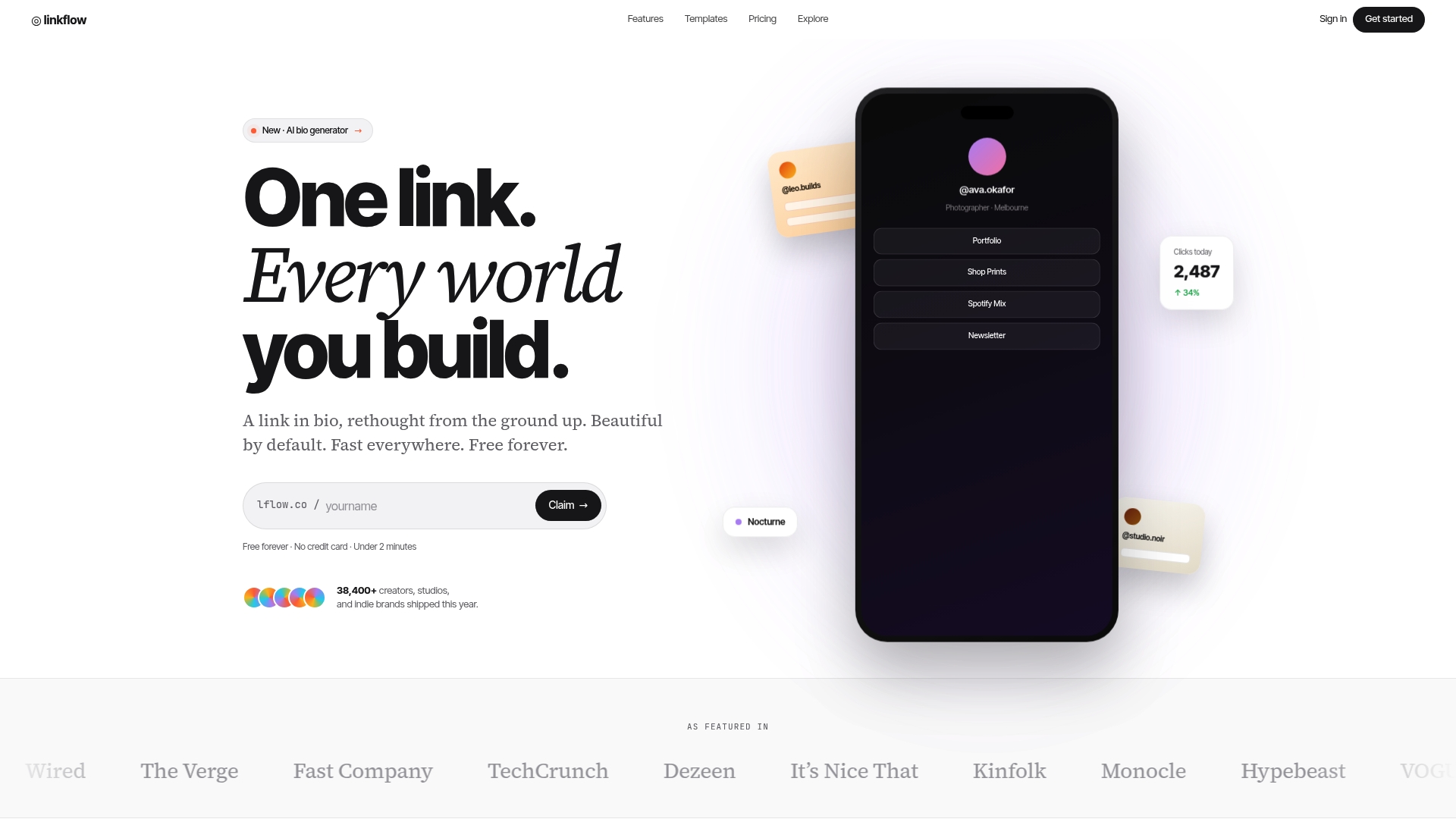
Free forever plan includes unlimited links and basic analytics with no trial or hidden charges. Linkflow reports page load speeds under 120ms. The platform also provides downloadable QR codes and branded short links for offline and social campaigns.
Core Features
Linkflow consolidates websites, stores, music, videos, and social profiles into a single branded URL while offering extensive visual customization like themes, colors, and fonts. It provides real-time analytics, branded short links, and downloadable QR codes, plus custom domains with SSL on paid plans. The product emphasizes quick setup, with onboarding that takes under two minutes and mobile-optimized designs.
Key Differentiator
Linkflow stands out by including its core linking, QR code, and analytics toolset on a free forever tier with no trial period or hidden fees. That combination reduces setup friction for creators who need a public link fast. Paid plans add branded short links, custom domains, and priority support for teams that need extra branding and control.
Pros
The free tier gives creators immediate access to core features, so you can publish a single branded URL without cost. That speed claim for page loads supports a smooth mobile experience, which matters for social traffic. Custom domains, SSL support on paid plans, and flexible branding make Linkflow fit for creators who want a more professional appearance while keeping analytics and QR codes in one place.
Cons
- Advanced analytics and features such as scheduled links and password protection require a paid plan, which limits insight and control on the free tier.
Who It's For
Solo creators, small content teams, and niche brands who need a fast, low-cost way to centralize links will get the most value. Marketers who run offline promotions will appreciate the built-in QR code export. Larger agencies that require team management or deep campaign analytics may need a higher tier.
Unique Value Proposition
Onboarding under two minutes and free downloadable QR codes let you launch both social and print campaigns rapidly. That speed reduces setup time for collaborations, pop-up events, and limited-time promotions. Keeping unlimited links and basic analytics on a no-cost plan lowers the friction for creators testing new channels.
Real World Use Case
A fashion influencer publishes one bio link that points to an online store, event tickets, and recent videos. Followers coming from Instagram and TikTok hit a fast, mobile-optimized page. The influencer reviews real-time analytics to spot peak engagement times and adjust post timing.
Pricing
Basic functionality is free forever, including unlimited links and basic analytics. Paid plans start at $7/month billed annually and add custom domains, removal of Linkflow branding, branded short links, and unlimited AI bio generation. Higher tiers also include priority support and expanded analytics.
Website: https://lflow.co
Hopp
At a Glance
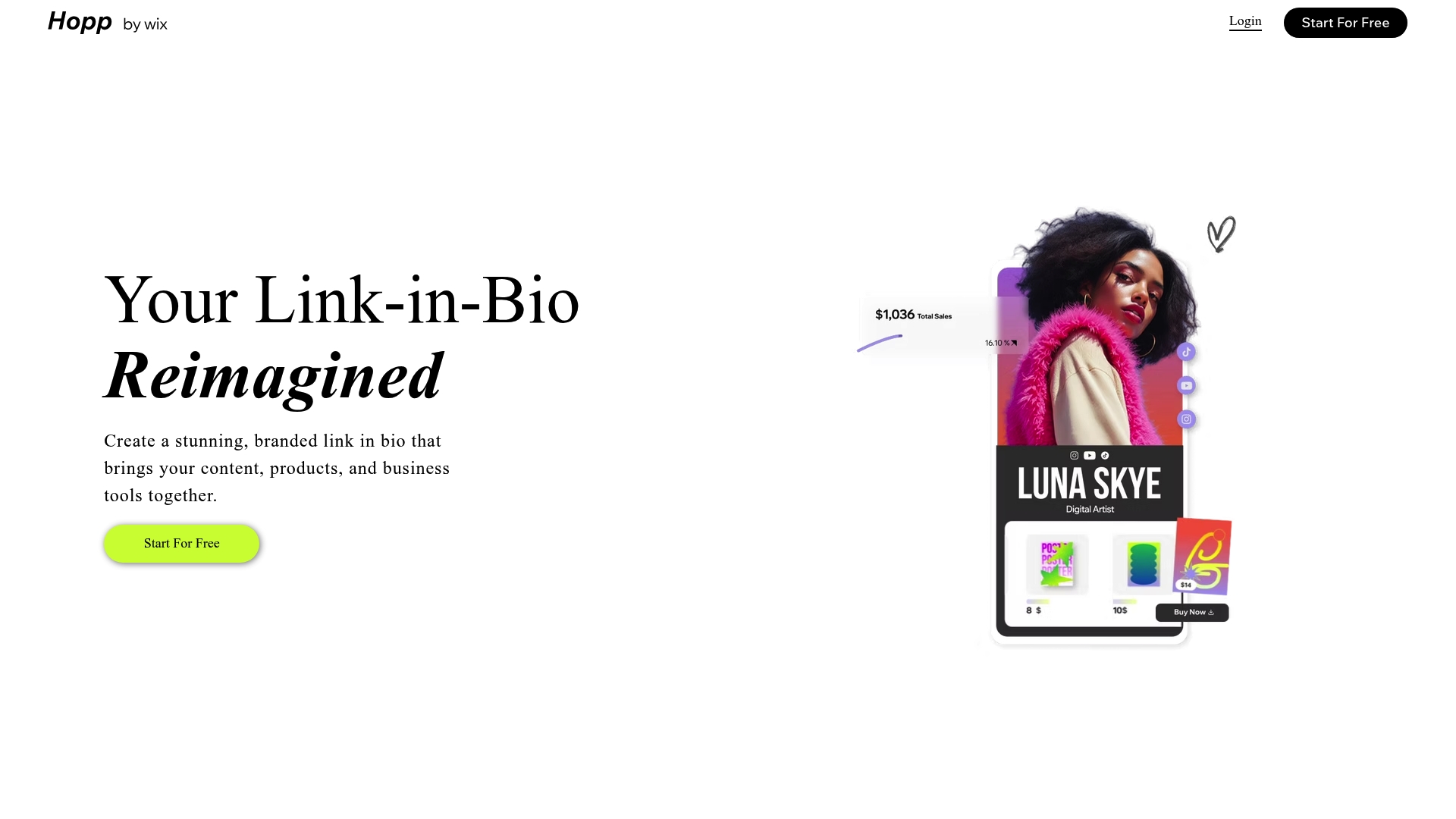
Hopp runs on Wix technology and combines designer link in bio pages with built-in sales, bookings, and membership tools. That mix lets creators sell digital goods, take bookings, and publish landing pages from one social link. The builder advertises drag-and-drop editing plus analytics and SEO controls.
Core Features
Hopp offers branded, customizable link in bio pages with designer layouts and drag-and-drop controls. It includes built-in monetization for product sales, digital files, courses, memberships, and booking or event management. The platform also provides affiliate support, link shortening, analytics tracking, SEO options, and on-demand landing page creation.
Key Differentiator
Hopp stands out for combining designer-made layouts with direct commerce and booking tools inside a single link. The Wix backbone gives direct continuity with existing Wix sites and customer records. That pairing favors creators who want visual polish and commerce without separate storefront setup.
Pros
The builder is easy to use and relies on drag-and-drop editing for fast page assembly. Commerce features cover physical sales, digital downloads, courses, and memberships so creators can centralize revenue streams. Integration with Wix supports site continuity and customer records while analytics and SEO controls help monitor what content attracts clicks.
Cons
- Limited public detail on pricing tiers; a free plan exists but advanced features are likely paid.
- The product depends on Wix infrastructure and branding, which reduces independence for people who want standalone hosting.
- Specific third-party integrations are not listed, making it hard to confirm connections with niche payment processors or community tools.
- The vendor page was not accessible for further technical details in the available description.
When It May Not Fit
If you require deep third-party integrations for a membership stack or a custom forum, Hopp may not fit because specific integrations are not documented. If you need full control over hosting and branding separate from Wix, the Wix dependency will feel restrictive. If transparent tiered pricing matters, the limited pricing detail will slow vendor selection.
Who It's For
Creators, influencers, and small business owners who want a single, branded social link that sells products and schedules services. This suits people who prefer a DIY builder and value continuity with a Wix site or existing customer records. It also fits creators planning to sell memberships or digital courses from one landing hub.
Real World Use Case
A fitness coach publishes a Hopp link in their Instagram bio. Visitors can watch sample workouts, buy training plans as digital downloads, and book one-on-one sessions. The coach uses analytics to see which offers convert and updates layouts quickly with drag-and-drop edits.
Website: https://hopp.co
Pop Site
At a Glance
A free plan is available, and paid plans start at $14.99/month. The product supports multi-site management and offers custom domain options on higher tiers. Built-in analytics and SEO tools arrive with the themes and ready-made page sections. Those elements let creators publish an attractive site quickly without coding.
Core Features
Prebuilt and customizable themes combine with ready-made sections for services, galleries, testimonials, and portfolios. Sites are responsive for mobile and desktop, and the platform includes built-in analytics and SEO controls for basic performance tracking. One click publishing, custom domain connection on Pro and Business plans, and options for animations complete the practical feature set.
Key Differentiator
What sets Pop Site apart is the pairing of visual-first templates with integrated marketing tools in lower-tier plans. That combination reduces the number of third-party tools needed to launch a simple business site or portfolio. The vendor positions those capabilities as available even on the free plan, which appeals to creators who prioritize speed and appearance.
Pros
You can assemble and publish pages without writing code, so setup time drops for solo creators and small shops. The theme library emphasizes polished design, and responsive templates keep portfolios and landing pages presentable on phones and desktop screens. Built-in analytics and SEO tools remove an initial setup step for tracking and search discovery. A free option plus multi-site controls make it practical for people managing several simple sites.
Cons
- Documentation and marketing copy lack deep technical detail, which makes advanced customization options unclear to developers.
- Customization will likely fall short of what full code access provides, limiting bespoke layouts or complex integrations.
- Public buyer reviews are not provided, so performance and long term reliability remain unverified.
- Pricing tiers may feel restrictive for advanced needs without clearer plan limits and feature comparisons.
When It May Not Fit
If you require full code control and custom backend logic, Pop Site may not fit because advanced customization seems limited. If purchasing decisions rely on verified user reviews, the lack of public feedback is a drawback. Organizations needing enterprise workflows or granular team permissions should evaluate plan details carefully before committing.
Notable Integrations
Pop Site connects with Shopify for storefront and product handling and with MemberSpace for membership and gated content. Those integrations cover common needs for creators who sell products or run paid subscriber content.
Who It's For
Solo entrepreneurs, creators, and small businesses that need fast, attractive websites will get the most value. Freelance designers and portfolio owners who prioritize visual polish over deep customization will benefit. Small shops that want a simple storefront plus membership pages will find the integration options useful.
Real World Use Case
A freelance designer assembles a portfolio using ready-made sections, publishes on the Pro plan, and points a custom domain at the site. A small business connects Shopify to sell a limited catalog from a single page. A content creator uses MemberSpace to gate paid pieces behind subscription pages.
Pricing
A free plan is available for basic sites and trials. Pro plans start at $14.99/month, which adds custom domain support and extra features. Business tiers enable multi-site management and advanced controls, and regional pricing may vary.
Website: https://pop.site
flowlink.me
At a Glance
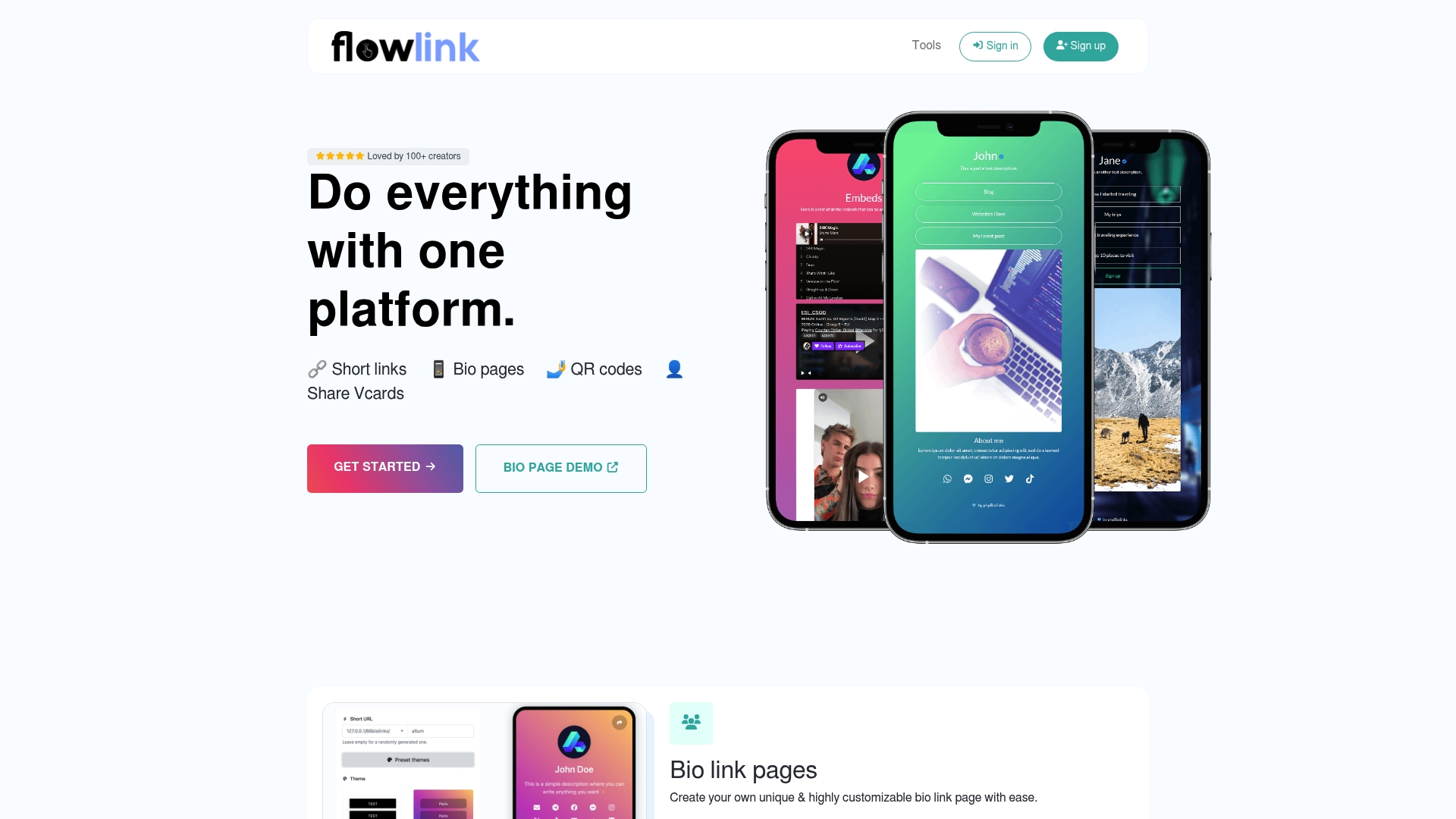
flowlink.me reports more than 100 creators using the platform. That level of adoption points to a small creator and agency focus, rather than enterprise scale. The product groups bio pages, short links, QR codes, and analytics, so creators can handle sharing and tracking from one place.
Core Features
The platform delivers customizable bio link pages with branding options and basic SEO controls, plus short link creation with scheduling, expiration, and targeting. It includes a QR code generator with brandable templates and Vcard links for contact sharing and downloads. Built in analytics track clicks, geolocation, and device type to help you compare link performance.
Key Differentiator
flowlink.me focuses on combining multiple link tools in a single workflow. You get page templates, short URLs, QR code creation, and click level analytics all inside one account. That mix targets creators and small teams who prefer fewer tools and manual workflows.
Pros
The interface is easy to use and the setup is quick, which helps creators roll out pages without technical help. Branding controls let you match colors, fonts, and domain names so pages look like a proper site. Analytics and QR code generation keep campaign tracking and offline conversion measurement in the same place, and the pricing includes a free tier.
Cons
- Lacks advanced or enterprise grade features for large marketing teams or agencies.
- Several useful functions appear locked behind paid plans, which limits experimentation on the free tier.
- Integrations and automation options are limited, so syncing with larger marketing stacks can require manual work.
When It May Not Fit
If your team needs automated workflows or deep integration with CRM and email platforms, this product will feel constrained. Large agencies that require enterprise permissions, SSO, or dedicated account support will find missing features. If you plan to run complex multi tool campaigns, this product does not provide the integrations or automation you would need.
Who It's For
Content creators, independent marketers, small business owners, and event organizers who need an easy way to publish branded link pages and track clicks. Solo agencies that produce campaign landing pages and QR codes for events will find the tool practical. Teams that prefer a single place for link creation and basic analytics will get value quickly.
Real World Use Case
A marketing agency builds branded bio pages for multiple influencers and generates QR codes for a pop up event. The team schedules short links with expiration dates for limited time offers and monitors clicks by location. They use the analytics to compare which links drove the most sign ups.
Pricing
flowlink.me offers a free tier and two paid yearly plans. Pricing is listed as Starter at 320 EUR per year and Pro at 750 EUR per year. The paid plans unlock advanced features and remove limits found on the free tier.
Website: https://flowlink.me
LinkFlow
At a Glance
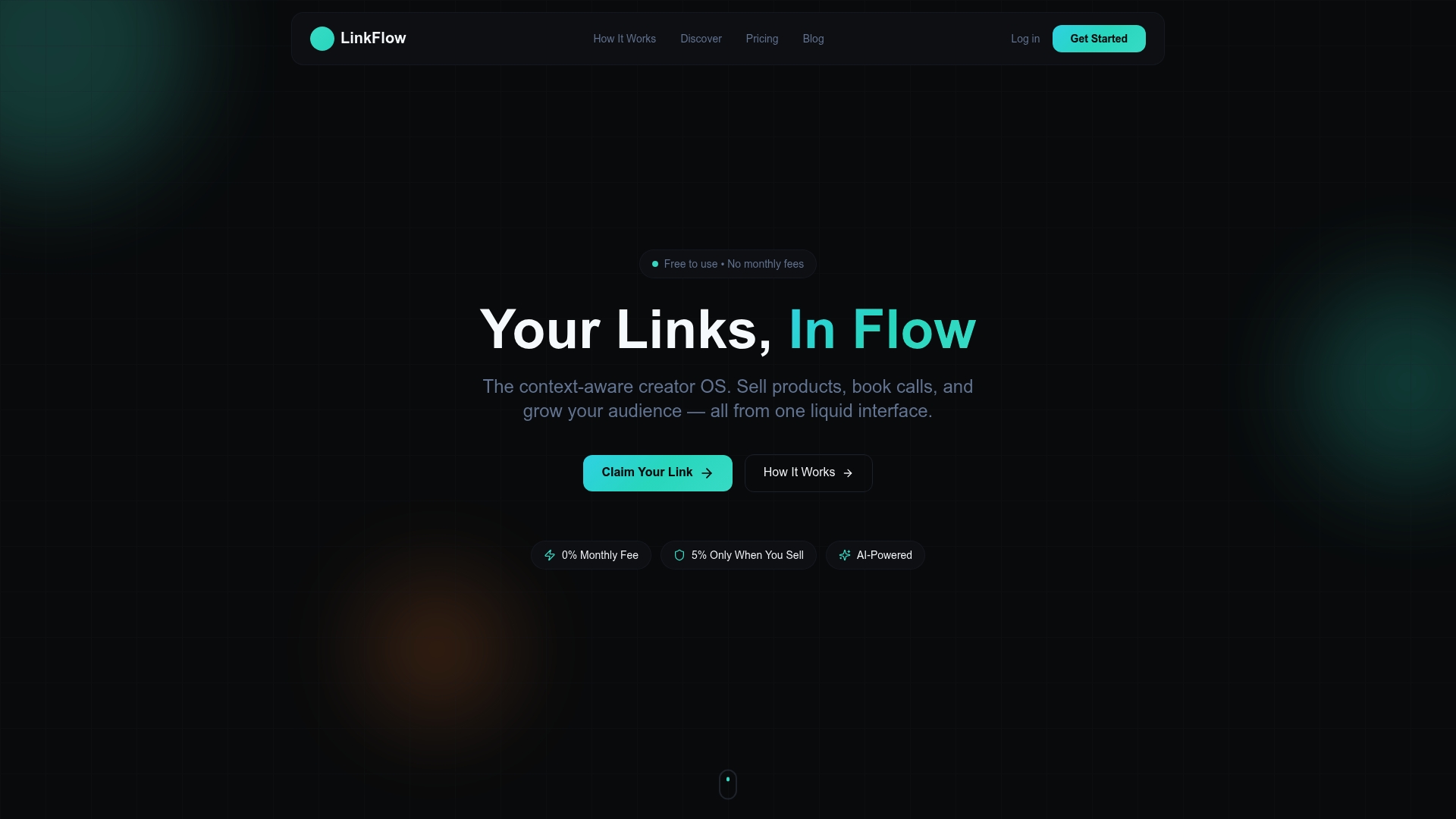
According to the company, LinkFlow charges no monthly fee and applies a 5% fee only when a sale occurs. That model pairs a universal cart with an AI powered context engine to personalize links and offers based on where visitors arrive from. The vendor advertises quick setup in minutes, using templates and smart embeds to reduce configuration time.
Core Features
LinkFlow bundles a universal cart for digital products, courses, and booking calls with smart embeds for Spotify, YouTube, and social feeds, plus lightweight checkout flows. The platform uses an AI powered context engine to change content and pricing by traffic source and visitor behavior in real time. Liquid themes, gamified unlocks, and deep analytics including click maps support conversion testing and audience segmentation.
Key Differentiator
The central differentiator is the AI powered context engine that adapts page content based on where visitors come from. It can surface distinct calls to action and pricing for social traffic, email subscribers, or search visitors. That behavior aims to reduce irrelevant clicks and raise conversion relevance for multichannel creators. The engine learns from visitor signals and session context to refine future displays.
Pros
Creators can begin without subscription costs. That model applies a 5% fee only on completed sales. The deep analytics include click maps and source tracking to show which links and channels drive conversions. Liquid themes and gamified unlocks let creators test brand expression and reward engaged followers for sharing content. Setup and embeds are aimed at non technical creators, so stores and schedules can go live rapidly.
Cons
- Transaction fees can become costly for high volume sellers.
- Limited public details on APIs and enterprise integrations restrict automation for agencies or stores with complex workflows.
- Buyer reviews indicate the feature set lacks the depth of dedicated ecommerce or analytics platforms.
When It May Not Fit
LinkFlow may not fit creators who need enterprise scale integrations or a public API. That limitation makes advanced automation and custom internal workflows hard for agencies or brands with large catalogs. High volume sellers should model the impact of the transaction cut before migrating critical revenue streams.
Who It's For
Independent creators, musicians, and educators who want to sell digital items without monthly fees will find LinkFlow appealing. Influencers who use multiple channels will benefit from contextualized calls to action and the universal cart. Agencies or high volume ecommerce stores may need a different platform with stronger API and integration support.
Real World Use Case
A YouTube creator links videos to a LinkFlow page that sells exclusive digital art and schedules coaching calls. The creator uses the analytics to see which videos drive purchases and swaps theme variants to test conversions. Because payment only triggers the platform fee, the creator avoids subscription costs during experimental launches.
Pricing
Free to use. A 5% transaction fee applies on sales.
Website: https://linkflow.one
Comparison of alternatives
Among the link in bio page builders, cost effectiveness and feature depth are two core considerations for creators balancing functionality and budget.
Monetization strength
Hopp takes the lead in this category by combining designer-made link page layouts with direct monetization options such as booking management and digital goods sales. This makes it an ideal choice for creators looking to centralize income streams.
Usability and flexibility
Linkflow offers customizable themes, real-time analytics, and QR code creation, delivering an accessible yet compelling feature set without charges to entry. flowlink.me complements the experience with its branded QR codes and clicks tracking enhancement for small-scale campaigns or content sharing. Finally, Pop Site appeals to users valuing visual polish and simplicity, though its pricing structure might not suit users desiring lower-cost alternatives.
Best fit
- Solo creators prioritizing a free tool will appreciate lflow.co for its speed, analytics, and unlimited link possibilities.
- Influencers focusing on visual branding and layouts should consider Pop Site for its prebuilt design-first templates.
- Small businesses integrating sales and bookings can look toward Hopp’s monetization integrations.
- Freelancers needing portfolio-focused solutions will find Pop Site’s responsive, polished templates beneficial.
Our pick
lflow.co offers an excellent solution for both individual creators and content teams seeking an easy-to-use, cost-effective alternative that includes essential features within its free tier. Its streamlined analytics and visual themes enhance adaptability, catering well to creators wanting a fast and practical setup.
Here's how these platforms compare based on their respective features and advantages.
| Product | Key Feature | Best For | Pricing | Limitation |
|---|---|---|---|---|
| Lflow | Free core linking, QR, analytics features | Solo creators and small teams | Free; Paid from $7/month | Advanced analytics require a paid plan |
| Hopp | Designer-made layouts with sales and booking tools | Visual creators and small businesses | Free tier; Paid price not published | Hosted dependency on Wix limits independence |
| Pop Site | Polished website builder for small portfolios | Freelancers and small shops | Free; Paid from $14.99/month | Limited advanced customization options |
| flowlink.me | Unified platform for links, QR, and basic analytics | Small teams and event organizers | Free; Paid from €320/year | Lacks enterprise-grade features |
| LinkFlow | AI-powered adaptive page features | Multi-channel influencers and creators | Free; 5% transaction fee | Transaction fees accumulate for high-volume sales |
Addressing Challenges in Choosing flowlu.link Alternatives for Creators
Creators, influencers, and small content teams often need a quick and reliable way to centralize their links without complicated setup or hidden fees. The main challenge is finding a link in bio service that offers unlimited links, real-time analytics, and customization without locking crucial features behind costly plans. Lflow meets these needs by offering unlimited links, mobile-optimized pages, and downloadable QR codes—all starting free with no trial or hidden fees.

For content creators looking to improve social media engagement and brand presence, Lflow.co provides a fast onboarding process under two minutes and extensive branding controls including custom domains and themes. Visit Lflow to create your own branded URL and start tracking real-time analytics today. Set up your centralized link hub with ease and reach your audience more effectively.
FAQ
What features make Lflow a strong choice for link in bio page building?
Lflow offers a universal cart coupled with an AI-powered context engine for personalized links and offers. This is complemented by quick setup using templates and smart embeds, enabling creators to launch their pages in minutes. Expect a smooth onboarding experience when starting with Lflow.
How does Lflow compare to other link in bio tools like Hopp?
Hopp excels by integrating designer layouts with built-in sales and booking tools. Lflow, on the other hand, focuses on its AI context engine, allowing creators to tailor content based on visitor behavior and traffic sources. This makes Lflow a great option for those wanting personalized user experiences.
Can I sell digital products with Lflow?
Yes, Lflow supports the sale of digital products alongside offering a universal cart for transactions. The platform's streamlined checkout process enables creators to easily manage their sales within a single dashboard. Utilize Lflow to start selling without any monthly fees attached.
What are the transaction fees associated with using Lflow?
Lflow applies a 5% fee only when a sale occurs, making it cost-effective for creators who are just starting out. This allows newcomers to test the platform without upfront costs, ensuring no ongoing financial commitment unless sales occur.
Does Lflow provide analytics features?
Yes, Lflow offers deep analytics, including click maps and source tracking to monitor conversion performance. These insights can help creators understand which links drive engagement, allowing for informed adjustments to optimize their link strategy.