

Managing all social, shop, and content links from a single biography page becomes tedious when basic link in bio software restricts you to limited customization, paywalls key integrations, or slows down the process with convoluted onboarding. Many popular tools demand upgrades for unlimited links, advanced analytics, or branded domains, forcing creators to patch together solutions or settle for less than their brand requires. This comparison breaks down pricing, design flexibility, monetization features, and analytics across six leading link in bio alternatives so you can select the right fit for your creator business without hidden costs or setup delays.
Table of Contents
Linkflow
At a Glance
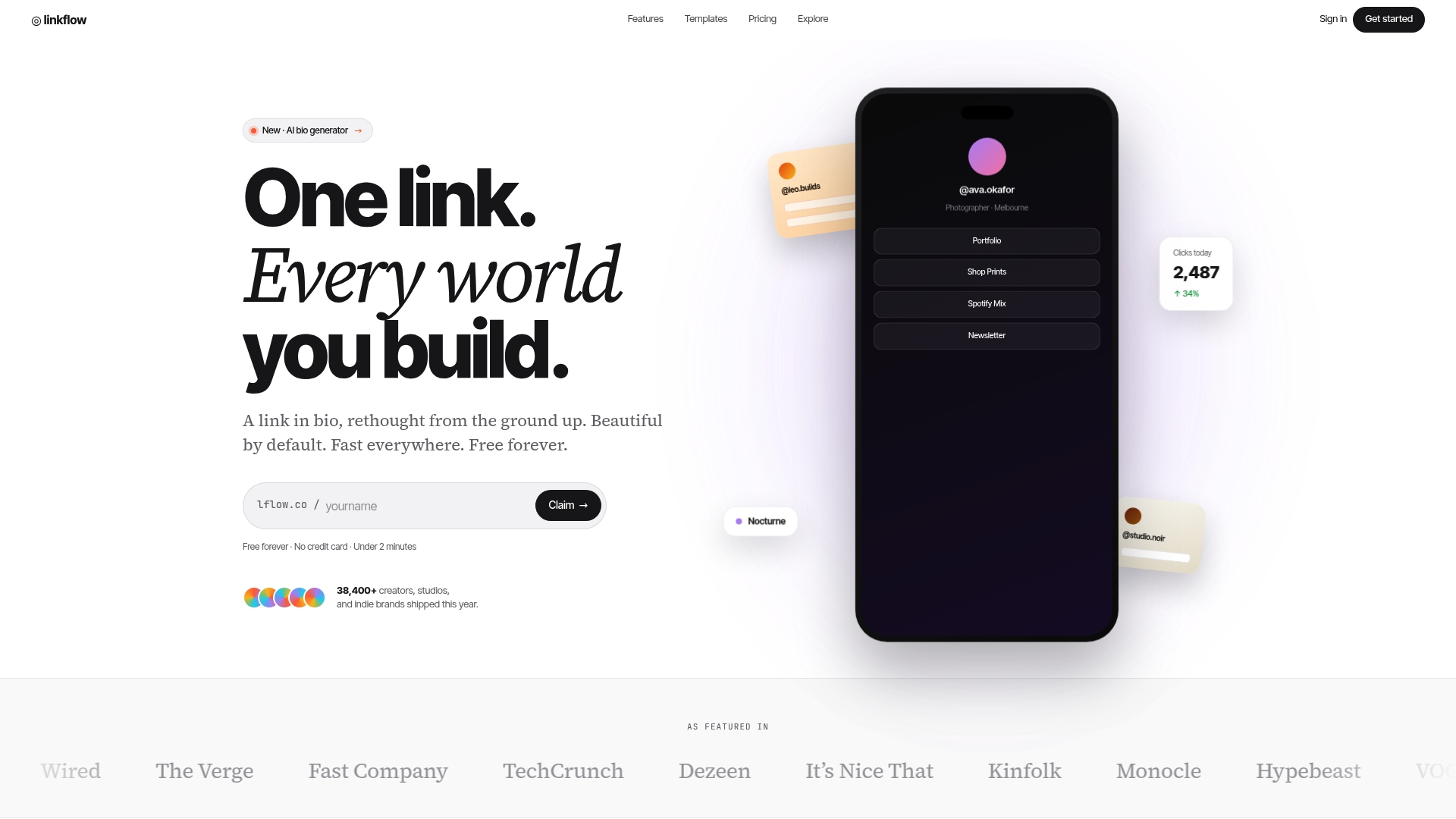
Linkflow's marketing materials claim pages load in under 120ms globally, a specific performance figure meant to speed clicks from social profiles to content. The vendor also advertises a Free forever plan for basic needs and tools for branded short links and downloadable QR codes.
Core Features
- Unlimited links on bio pages and short URLs so you can list portfolio, shop, and socials without hitting item caps.
- Real-time analytics with device, geo, and source tracking for every link and QR scan.
- Custom domains with SSL and plain DNS setup instructions so branded links look and feel trustworthy.
- Built-in QR code generation for print campaigns and a library of customizable bio page templates for quick design matches.
Key Differentiator
Free unlimited basics combined with a design-first approach and straightforward custom domain support is what separates Linkflow from many link-in-bio tools. That mix lets creators publish polished, brand-consistent hubs without juggling multiple vendors for short links, QR codes, and analytics.
Pros
- Free plan with unlimited links and templates removes the usual entry barrier for creators testing multiple landing strategies.
- The platform reports edge-served pages and the 120ms claim above, which supports faster perceived load times and fewer lost clicks on mobile networks.
- Real-time analytics give quick feedback on which social posts or QR placements drive traffic and where visitors come from.
- Easy setup and clear DNS instructions let users add a custom domain and SSL without deep technical skills.
- Built-in QR code generation and downloadable assets make offline-to-online tracking simple for flyers, postcards, and event prints.
Cons
- A strict fair use policy limits automated and high-volume traffic; that posture helps prevent abuse but may complicate legitimate large campaigns that rely on heavy automated tracking.
Who It's For
Independent creators, influencers, and small businesses that need fast, attractive link-in-bio pages with basic analytics and optional branding. It fits people who publish across Instagram, TikTok, YouTube, Twitter/X, and LinkedIn and want a single place to consolidate links and offline QR campaigns.
Unique Value Proposition
According to the company, onboarding takes under two minutes, letting you publish a branded link hub between posts or during a break. That speed reduces friction for creators who test different CTAs often and need near-instant changes to landing content and QR assets.
Real World Use Case
A photographer builds a single Linkflow bio page linking portfolio galleries, print shop, and social profiles. They publish custom short links for a seasonal campaign, download QR codes for printed postcards, and watch the campaign performance in real time from one dashboard.
Pricing
Basic features are free forever. The Studio plan starts at $7 per month and adds branding, more advanced analytics, and custom domain support. Optional add-ons cover premium branded short links and custom URL prefixes for extra customization.
Website: https://lflow.co
Hopp
At a Glance
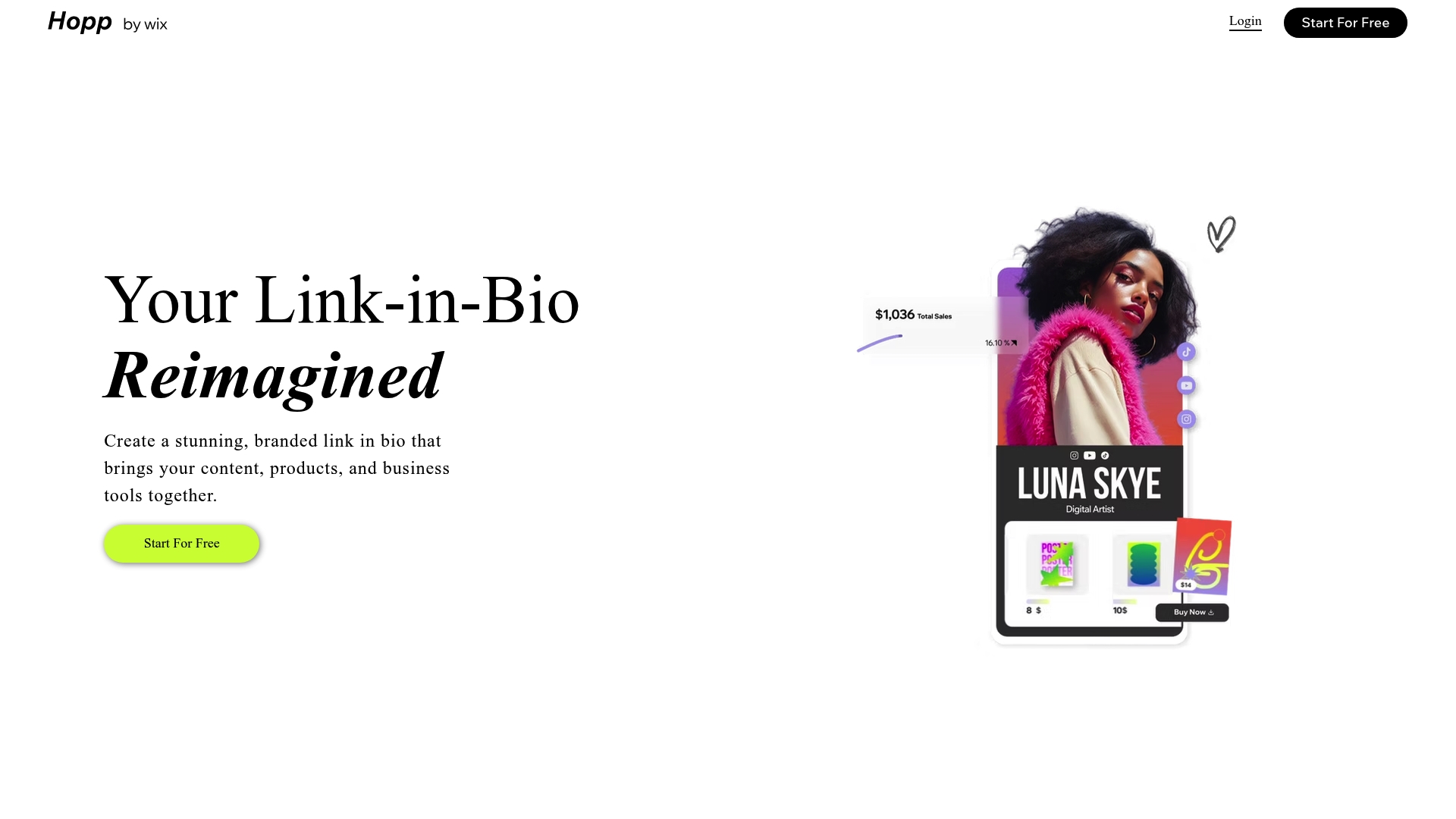
Powered by Wix, Hopp turns a single bio link into a branded mini-site that can sell digital products, run paid memberships, and manage bookings with no coding required. It targets creators who want more than a simple link list.
Core Features
- Customizable layouts with designer-made templates for a polished landing page.
- Sell products and digital goods plus built-in membership and paywall options.
- Manage bookings, events, and ticketing from the same page.
- Advanced analytics and a branded short link system for click tracking and conversion insight.
- SEO tools, custom domain support, and landing pages for promotions and launches.
Key Differentiator
Hopp’s depth comes from being built on Wix. That means page design and commerce tools live inside the link-in-bio experience rather than being bolted on. If you want a mini-site feel and direct monetization from a single URL, Hopp provides design flexibility and monetization tools that feel closer to a small storefront than a link list. Compared with Lflow, Hopp favors fuller page control over lightweight, rapid setup.
Pros
- Designers and creators get a polished front end quickly. Templates reduce layout work so you spend time on content and offers instead of fiddling with blocks.
- Built-in commerce and memberships let you sell without wiring multiple platforms. That keeps checkout flows and member access in one place.
- Integration with Wix features simplifies growth. Connections to Wix Stores and Wix Events reduce manual sync tasks when you already run a Wix site.
- Analytics and a branded short link system provide immediate tracking for promos and social posts, which helps measure what converts.
- Customer support is generally responsive according to user reports, which helps during initial setup and product launches.
Cons
- Some users report support response delays and occasional account management hiccups during updates.
- The product surface can feel complex if you only need a plain link list; setup takes longer than minimalist tools.
- Advanced features are gated behind paid plans so the free tier is limited for creators who want commerce and memberships.
- Certain customization options vary by plan and platform updates can temporarily change available functionality.
When It May Not Fit
If your requirement is a single, static list of links with minimal design work, Hopp can feel like overkill. Teams that need an ultra-fast setup and zero configuration will find Lflow’s quicker onboarding preferable. Also, budget-conscious users who want commerce without a subscription may be frustrated by paywalled features.
Notable Integrations
- Wix CRM
- Wix Stores
- Wix Events
- Wix Blog
These integrations keep content, customers, and commerce inside the Wix ecosystem rather than requiring external connectors.
Who It's For
Creators, influencers, and small businesses that want an all-in-one link hub that can act like a mini storefront or bookings page. Ideal when you already use or plan to use Wix and you want more visual control than a basic link list gives.
Real World Use Case
A fitness coach replaces multiple bios and scattered payment links with a single Hopp page. The coach sells digital workout plans, books one-on-one sessions through the booking tool, and uses membership paywalls for premium content, all linked from an Instagram bio.
Pricing
Hopp offers a free tier plus paid plans that unlock commerce, memberships, and advanced customization. The free option covers basic pages while subscriptions are required for full monetization and premium integrations.
Website: https://hopp.co
YourSitee
At a Glance
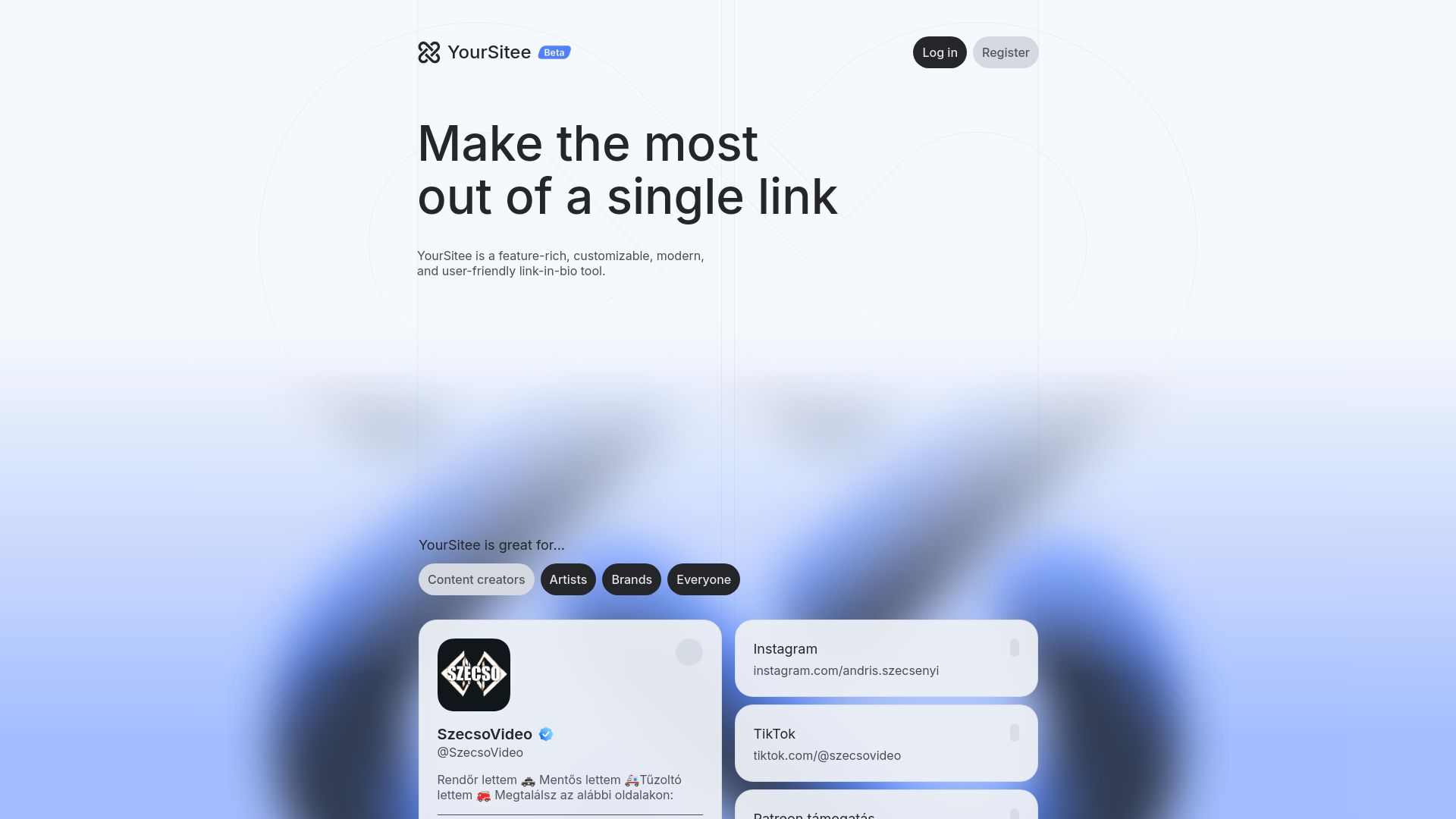
Free to use right now, YourSitee ships with built-in widgets for Instagram, YouTube, Twitter, and Spotify and puts visual customization front and center. The interface combines animated, modern UI with an onboarding flow meant for nontechnical creators.
Core Features
- Widgets for Instagram, YouTube, Twitter, and Spotify that embed or link content cleanly for mobile viewers.
- Highly customizable backgrounds and gradients with profile controls for fonts, colors, and layout presets to match branding.
- Modern UI with subtle animations and responsive templates that look like native mobile pages.
- Simple profile setup and sharing that lets members publish a polished link hub without developer help.
Key Differentiator
The strongest angle is the focus on visual polish. Where many link hubs default to utility, YourSitee emphasizes a highly customizable design and presentation first. That makes it a fit for creators who treat their link page as a branded mini site rather than a plain list of URLs.
Pros
-
Beautiful modern design: Templates and animations give profiles a more editorial look than typical link lists, which helps creators present a premium image.
-
Customizable to match branding: Control over backgrounds, fonts, and gradients makes it easy to keep a profile consistent with an existing identity.
-
User friendly for nontechnical members: Setup is short and predictable, so creators can publish a polished page in minutes without a tutorial.
-
Responsive support via Discord/X: Active support channels let you ask questions and get help from staff or community contributors.
-
Covers the basic needs of a link-in-bio hub without forcing complexity, which keeps maintenance low for small teams.
Cons
-
Some reviewers want a wider set of widgets and integrations beyond the initial social and streaming services.
-
The roadmap around future features and paid plans has uncertainty, so longer term expectations are not fully defined.
-
The current feature set is limited compared with more mature alternatives that offer analytics, A B testing, or eCommerce hooks.
When It May Not Fit
If you need deep link analytics, split testing, or built in storefront functionality, YourSitee is not the best match today. Teams that expect a full marketing stack or agency grade controls will find the current toolkit simple and likely incomplete.
If your rollout depends on scheduled enterprise features, the vendor describes planned expansions but does not commit to exact timing.
Who It's For
Individuals, artists, and small brands who prioritize design and ease over advanced marketing controls will get the most value. Use it if you want a visually strong profile that reads well on mobile and requires minimal upkeep from you or your small team.
Real World Use Case
A music creator publishes a YourSitee profile that embeds recent tracks via the Spotify widget, links to a new video via the YouTube widget, and displays a mailing list signup visually matched to their album art. The creator shares the single URL across social bios and sees a consistent brand impression across platforms.
Website: https://yoursit.ee
MinglyLink
At a Glance
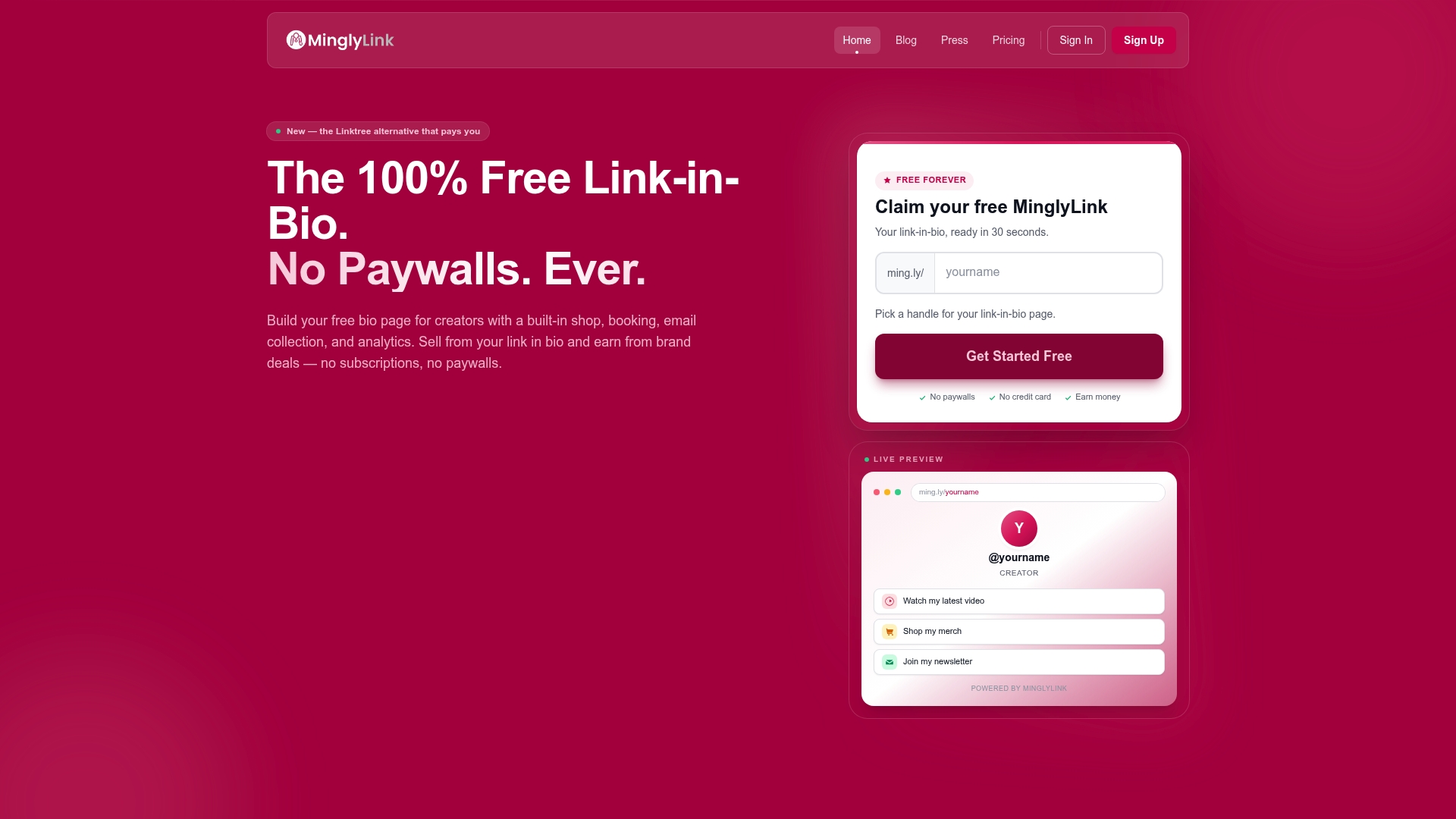
MinglyLink's marketing materials advertise a 60% revenue share for creators on ad commissions while keeping the platform free with no paywalls or subscriptions. That split is the most conspicuous claim and defines the product's creator-first pitch.
MinglyLink bundles an embedded shop, booking, email capture, and analytics into a single link-in-bio page so creators can start monetizing with minimal setup.
Core Features
-
Built-in shop: Sell products directly from your bio page without redirecting followers to a separate storefront.
-
Booking system: Offer appointments and consultations with an integrated calendar and booking flow.
-
Email capture tools: Collect leads and build a newsletter list from the same page.
-
Analytics dashboard: Track visits, clicks, and reported earnings in one place for quick performance checks.
-
Monetization via ads: Curated ad offers presented to creators with revenue split applied to qualifying commissions.
Key Differentiator
The single most distinctive element is that 60% figure above. That revenue share combined with a permanently free tier positions MinglyLink as a direct monetization route for creators who want to earn from ads without subscription fees. The approach narrows the product to revenue-first creators rather than teams needing enterprise controls.
Pros
-
Completely free. The platform advertises no subscription fees or paywalls which lowers the barrier for creators testing monetization.
-
Instant monetization path. Curated, non-intrusive ads and the embedded shop let creators start earning without building a separate commerce stack.
-
SEO-optimized pages increase discoverability for creators aiming to grow organic traffic from search.
-
Transparent tracking. The dual-sided tracking claim helps build trust between creators and brands when reporting clicks and earnings.
-
Booking and lead capture are included at no extra cost, so creators get commerce and audience-building tools in one place.
Cons
-
Earnings depend on active engagement. Buyer signals and detailed stats require steady traffic and follower interaction to convert into meaningful revenue.
-
Offer availability varies by niche. Features are tightly coupled to the presence of relevant brand deals and ad campaigns for a creator's audience.
-
Customization limits. The product data provides limited detail on advanced branding options such as custom domains and deep layout controls.
When It May Not Fit
If your niche rarely attracts commercial ad offers, the platform's revenue model will underperform. If you need extensive page theming, custom domains, or agency-level brand controls, MinglyLink's focus on core features could feel restrictive. If you plan to monetize passively with infrequent posts, earnings will likely stay low.
Who It's For
Creators and influencers of any size who want a low-friction way to monetize a single bio link. Ideal for creators who prioritize immediate ad and product revenue over deep customization or enterprise permissions. Good fit when you want commerce and lead capture in one place without upfront cost.
Real World Use Case
A fashion influencer uses MinglyLink to showcase outfit images, link each item to the built-in shop, collect email signups for a weekly list, and manage bookings for personal styling sessions. Over a month of steady posting, the influencer attributes a portion of incremental sales to the link page and tracks earnings through the dashboard.
Pricing
Free forever. No subscription fees and no minimum follower requirement. Monetization comes from ad commissions and shop sales with that 60% revenue share applied to qualifying ad revenue.
Website: https://mingly.link
Linktree
At a Glance
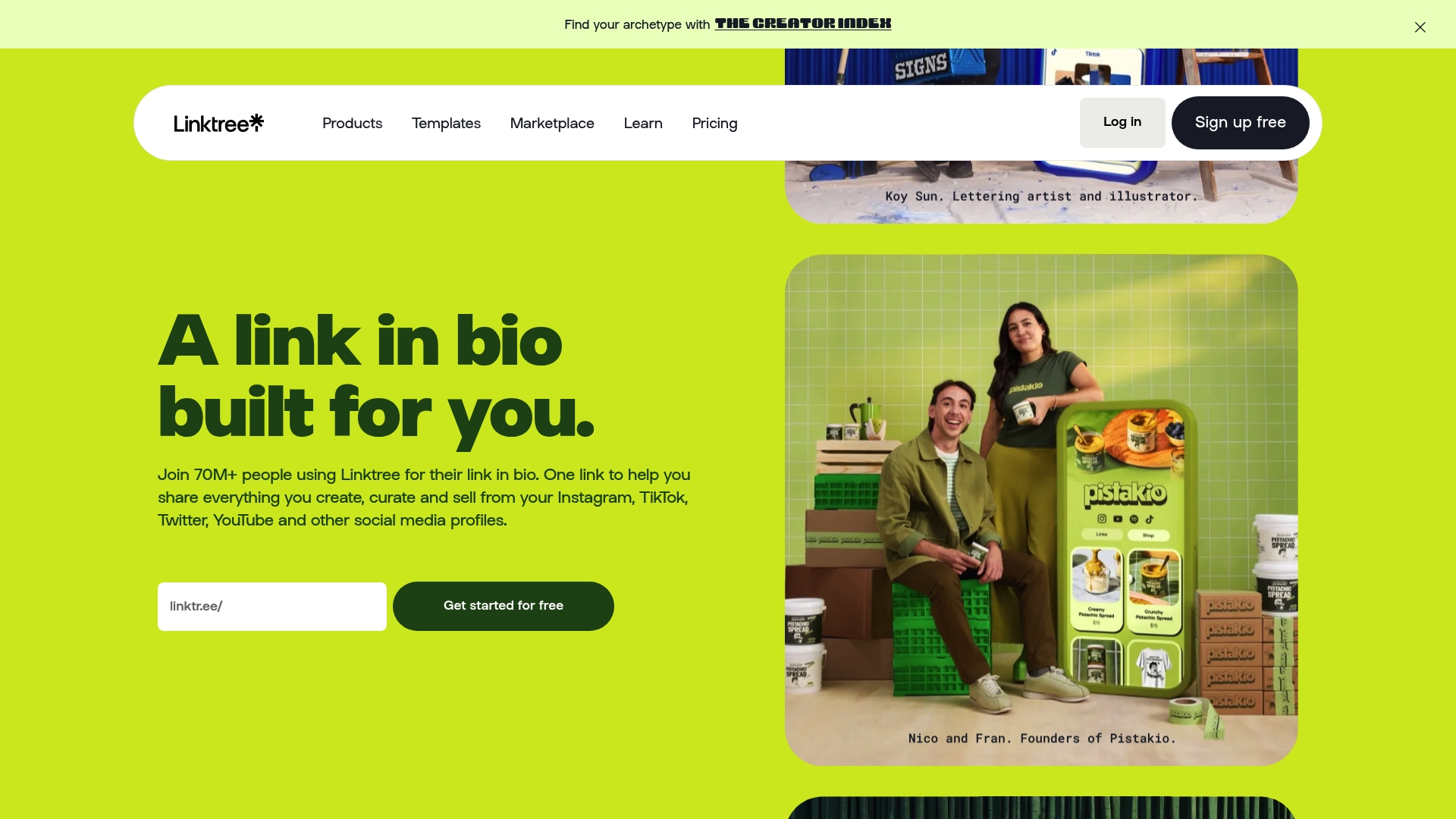
Linktree's marketing materials report more than 70 million users, and the service pairs link consolidation with built-in monetization and analytics for creators.
The product positions itself as a single social hub for links, sales, and audience insight rather than a full website host.
Core Features
- Unlimited links so you can list every storefront, playlist, and profile from one bio.
- Customizable themes and design with branding options, fonts, and layout choices.
- Analytics and audience insights that track clicks, referral sources, and engagement trends.
- Sell digital products and courses directly from the link hub.
- Monetization tools for affiliate links and sponsored content.
Key Differentiator
Linktree combines link management, commerce, and audience tools in one place with a creator-first focus. The platform’s toolset concentrates on converting social traffic into revenue and email signups rather than serving as a replaceable site builder.
That focus makes the product denser in creator features than simpler link pages that prioritize minimalism.
Pros
- The user count mentioned above signals broad platform awareness which helps discovery when creators share a familiar link format.
- Powerful customization lets brands match colors, fonts, and layouts so the link page feels like an extension of a channel.
- Built-in commerce options let creators sell merch, courses, or digital downloads without a separate storefront.
- Robust analytics give visible referral and click breakdowns, useful for refining promotion and sponsorship pitches.
- A mobile app supports on-the-go link edits and quick updates between posts.
Cons
- Several monetization and analytics features are gated by paid tiers and can be region restricted, which fragments functionality across users.
- The tiered pricing and add-ons can confuse newcomers trying to pick the smallest plan that still supports selling.
- The free plan is limited; many creators will need a paid plan to access meaningful monetization and advanced metrics.
- Feature density can overwhelm users who prefer an ultra-simple single-link page.
When It May Not Fit
If you need true website hosting, Linktree is not a replacement; the platform centers on social contexts and link aggregation. If your audience or payments operate in a country where Linktree’s commerce features are unavailable, you will lose key functionality unless you use external tools.
Notable Integrations
- Shopify
- Spring
- Bonfire
- Mailchimp
- Klaviyo
- Google Sheets
- Zapier
- Facebook Pixel
Who It's For
Influencers, creators, and small businesses that depend on social platforms for traffic and revenue. Ideal when you want to centralize links, accept payments from followers, and measure which posts actually drive purchases.
Real World Use Case
A TikTok creator uses Linktree to present links to a YouTube channel, merchandise store, affiliate products, and an email signup. They run a short campaign, check the Linktree analytics, and shift paid promotion to the post sending the most conversions.
Pricing
Pricing tiers include Free, Starter (advertised around $6 to $8 per month), Pro (advertised around $12 to $15 per month), Premium (advertised around $30 to $35 per month), and custom enterprise plans. Feature access changes across tiers and some commerce tools require paid plans.
Website: https://linktr.ee
Beacons
At a Glance
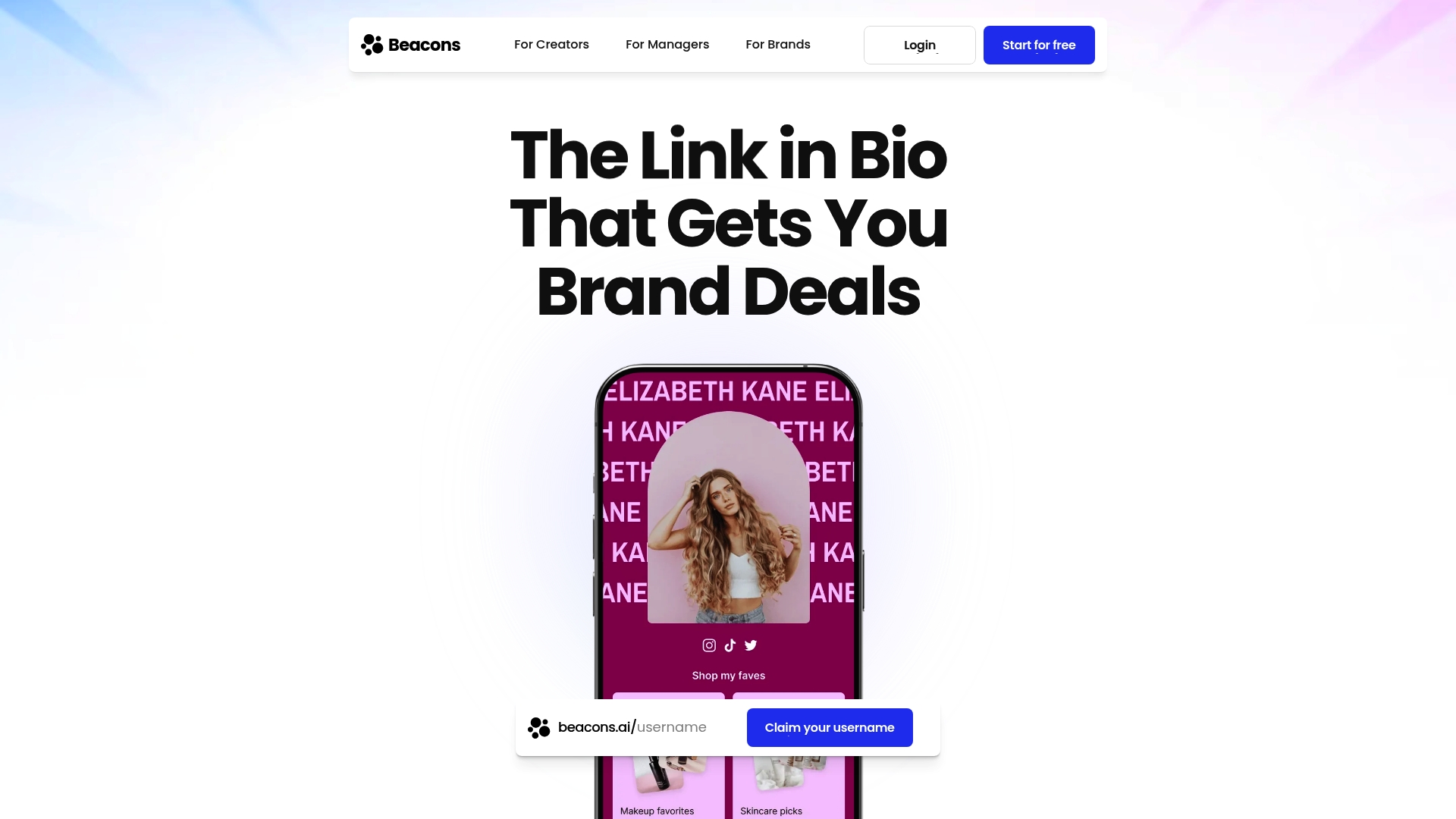
Beacons' marketing materials cite a community of over 9 million creators, which frames it as a social-first hub for creators who sell directly to followers. The platform combines link pages, monetization tools, and partnership workflows in a single interface meant for creator-led businesses.
Core Features
- Customizable Link in Bio and website builder for a single branded landing page.
- Sell digital products, courses, subscriptions, and promote affiliate links from the same dashboard.
- Build and export email subscriber lists and manage direct messages for audience ownership.
- Creator CRM and campaign reporting for managing brand deals and collaborations.
- AI-powered growth tips and real-time analytics for content and revenue signals.
- Tools to automate DMs and email marketing, plus media kits and pitch decks for brands.
Key Differentiator
Beacons focuses on combining creator management, commerce, and audience control in one place. That single-hub approach reduces the number of vendor handoffs between link pages, sales checkout, and partnership tracking.
Pros
- Easy setup and navigation. Many creators can have a polished link page and sales workflow live in under an hour.
- Broad monetization mix. Selling courses, one-off files, subscriptions, and affiliate links all work from the same dashboard.
- Audience ownership tools that go beyond links. You can collect email addresses, automate outreach, and manage direct conversations in platform.
- Built-in brand partnership support. Media kits and a CRM style view make pitching and reporting to sponsors faster.
- Pricing tiers cover solo creators through agency-level needs, so you can scale plans rather than switch products.
Cons
- Some users report trust and transparency issues around domain ownership and portability, which raises migration risks.
- Paid features have shifted in past updates and icons or benefits have changed without wide notice for some customers.
- The platform’s ecosystem creates potential vendor lock-in if you host products, subscriber lists, and partnership records exclusively on Beacons.
When It May Not Fit
If you require absolute independent control of DNS and domain portability, Beacons may frustrate you. Teams that run complex ecommerce catalogs or need enterprise SSO and enterprise grade vendor contracts should evaluate legal and export paths before committing.
Who It's For
Solo influencers, small content businesses, marketing agencies, and mid sized brands that want to centralize links, sales, and sponsorship workflows. Good for creators who prefer a single product to manage audience, commerce, and brand outreach.
Real World Use Case
A creator publishes a single branded link in their Instagram profile, sells a course and a monthly subscription, and uses the CRM to track three concurrent brand deals. Reporting and payments happen in one dashboard, reducing bookkeeping and missed sponsor deliverables.
Pricing
Free tier available. Paid tiers listed by the vendor include Creator Plus ($30/month), Basic ($60/month), Growth ($160/month), Premier ($250/month), and Custom plans by quote.
Website: https://beacons.ai
Comparing Bio-Link Software for Creators
Selecting the most suitable link-in-bio software is crucial for creators and businesses to optimize their online presence effectively. The comparison below focuses on distinct aspects and highlights clear tradeoffs among prominent options.
Ease of Use and Setup
Among the alternatives discussed, lflow.co's onboarding process stands out for its rapid setup and intuitive design, as cited for being achievable in under two minutes. This feature allows creators to implement changes quickly, a vital trait for those working within tight deadlines. YourSitee, while similarly straightforward, offers an emphasis on nontechnical customization, catering well to users seeking an aesthetically-driven link hub requiring minimal back-end management. Conversely, Hopp's advanced features and integration with the Wix ecosystem demand a slightly steeper learning curve, but offer significant benefits for users needing multi-channel eCommerce solutions.
Advanced Functionality and Monetization Options
For those prioritizing commerce and engagement tools, MinglyLink provides a unique perspective with its ad commission sharing model, facilitating immediate monetization without upfront costs. On the other hand, Beacons targets a more creator management suite, bundling branding resources, partnership workflows, and audience-building tools. These aspects position Beacons as a choice for creators engaged in influencer marketing. While Linktree offers a familiar and well-demarcated feature set, users might find some functionalities unintuitive or locked behind higher-tier plans, posing a cost tradeoff for startups or hobbyists.
Best-Fit Recommendations
- lflow.co: Excellent for creators requiring a speedy, aesthetically appealing solution to manage links and offline campaigns.
- Hopp: Well-suited for creators who wish to monetize their audience by integrating content, commerce, and engagement tools in a visually-controlled environment.
- MinglyLink: Beneficial to influencers who prioritize revenue generation through ad commission models while utilizing integrated store and email capture capabilities.
- YourSitee: Ideal for individuals seeking a visually impactful and easy-to-maintain link hub without sacrificing intuitive designs.
Our Pick
We recommend lflow.co for most independent creators and small businesses due to its combination of immediacy in setting up, consistently high performance, and value-oriented pricing tiers. Users desiring deeply personalized eCommerce setups, however, may explore other options like Hopp or Beacons for their specialized toolkits and functionality.
Comparison of Link-in-Bio Software
Explore these top link-in-bio software solutions to find the platform that best fits your needs, focusing on features, pricing, and usability.
| Product Name | Core Feature | Key Differentiator | Best For | Pricing | Notable Limitation |
|---|---|---|---|---|---|
| Lflow (lflow.co) | Unlimited links and real-time analytics | Free unlimited basics with custom domains and template support | Influencers and content creators needing fast multi-link solutions | Free plan, Studio plan $7/month | Strict fair use policy for automated traffic |
| Hopp (hopp.co) | Comprehensive e-commerce and membership tools | Integrates with Wix for expanded functionality | Users seeking extensive page design control and monetization | Free plan, paid plans for advanced features | Complex interface for users needing minimal setups |
| YourSitee (yoursit.ee) | Visually rich designs with widget support | Emphasis on customizable, animated interfaces for mobile | Creators wanting branded, visually strong profiles | Free | Limited feature set compared to alternatives |
| MinglyLink (mingly.link) | Embedded shop and ad revenue share | Emphasizes a 60% revenue share for ad commissions | Monetization-oriented creators | Free | Customization options around branding are limited |
| Linktree (linktr.ee) | Link management with commerce options | High user base and comprehensive features for social link management | Influencers maximizing social traffic for revenue | Free plan, paid plans starting at $6/month | Paywalls on advanced features |
| Beacons (beacons.ai) | Integrated CRM and email marketing | Combines creator management, sales, and audience control in one product | Established creators running mid-range branded operations | Free plan, paid plans starting at $30/month | Portability and vendor lock-in concerns |
Find Your Best bnwl.org Alternatives with Lflow
Choosing the right link management platform can feel daunting when you see so many options that focus only on simple lists or complex storefronts. If your goal is to have a fast, branded, and easy-to-manage link in bio page with real-time analytics and no confusing setup, Lflow is designed just for you. Unlike other bnwl.org alternatives, Lflow offers a free, intuitive experience that gets you online in under two minutes so you can connect your audience across Instagram, TikTok, YouTube, and more.

Visit Lflow.co to start creating your customized link hub with unlimited links, downloadable QR codes, and seamless custom domain support. Don’t wait to consolidate your social presence and monitor engagement effortlessly with Lflow’s powerful but simple tools. Get started now and watch your digital presence come together in one professional space.
Frequently Asked Questions
What are the unique advantages of using Lflow for creating a link in bio page?
Lflow allows unlimited links on bio pages, making it easy to showcase your portfolio, shop, and social profiles without hitting item caps. This feature directly supports creatives who often need to update or change their links regularly, providing real-time analytics to track user engagement effectively. Start by setting up your Lflow page to utilize these unlimited linking capabilities.
How does Lflow compare to Hopp in terms of customization and features?
Hopp excels in providing customizable layouts and advanced features such as selling digital products and managing bookings, effectively turning your bio link into a mini-site. In contrast, Lflow emphasizes a faster setup with basic analytics and unlimited links, making it better suited for users focused more on quick link sharing rather than extensive customization or eCommerce functionalities. Choose Lflow if you're looking for simplicity and speed in your link management.
Which platform is better for monetization, Lflow or MinglyLink?
MinglyLink offers a unique revenue-sharing model, allowing creators to earn 60% on ad commissions while keeping the platform free, making it a strong choice for direct monetization of links. Meanwhile, Lflow focuses on providing unlimited links and basic analytics without a monetization model, making it more suitable for users primarily seeking to share links effectively without immediate revenue objectives. If monetization is your priority, MinglyLink could align better with your goals.
Does Lflow support custom domains and SSL for branding?
Yes, Lflow allows users to set up custom domains with SSL, ensuring that branded links look professional and trustworthy. This is an essential feature for users who want to maintain brand consistency across their links. Remember to follow the clear DNS instructions provided by Lflow for efficient setup.
What is the pricing structure for Lflow and how does it compare to Linktree?
Lflow offers a Free forever plan that includes basic features like unlimited links and analytics, while Linktree has tiered pricing, with the Starter plan priced around $6 to $8 per month for more advanced features. If you're looking for a budget-friendly option with essential features, Lflow provides a solid choice without the constraints of a paid plan.