
You add a link to your bio, post consistently, and still watch your click-through numbers flatline. Sound familiar? Most creators assume a single profile link is enough, but the reality is that strategic profile linking is one of the most underutilized growth levers in the creator toolkit. It's not just about pointing followers somewhere. It's about designing a deliberate pathway that turns casual profile visitors into engaged subscribers, customers, and fans. This guide breaks down what profile linking actually means, which tools and approaches work best, and how to measure whether your strategy is paying off.
Table of Contents
- Understanding profile linking: What it is and why it matters
- Profile linking options: Types and tools explained
- Best practices for maximizing engagement with profile links
- Measuring success: Analytics, benchmarks, and real-world case studies
- The hidden power—and pitfalls—of profile linking most creators miss
- Ready to streamline your profile links and boost engagement?
- Frequently asked questions
Key Takeaways
| Point | Details |
|---|---|
| Tailor links to your platform | Successful profile linking means adapting your strategy to each social channel’s engagement norms. |
| Simplicity drives action | Streamlined, minimal links are more effective than cluttered link hubs for getting clicks. |
| Test and measure results | Track engagement and adjust your links and calls to action using analytics to improve performance over time. |
| Choose the right tools | Pick a profile linking tool that matches your brand and helps you accomplish specific goals without adding friction for followers. |
Understanding profile linking: What it is and why it matters
Profile linking is the practice of using the clickable URL field in your social media bio to direct your audience toward specific content, offers, or destinations. On platforms like Instagram, TikTok, and Twitter/X, you typically get one clickable link in your bio. That single link becomes your most valuable piece of digital real estate, because it sits at the top of your profile where every visitor lands.
The confusion starts when creators treat this link as an afterthought. A link to a homepage is fine, but it's rarely optimized. A link to a specific product or post is better, but it still leaves most of your content undiscovered. This is where the distinction between a single direct link and a multi-link hub becomes critical.
A single direct link sends visitors to one destination. A multi-link hub, often called a link in bio page, acts as a mini landing page that organizes multiple destinations in one place. Think of it like a table of contents for your entire online presence. Instead of forcing followers to hunt for your podcast, your store, your latest YouTube video, and your newsletter separately, you give them one clean URL that leads to all of it.
Here's why this matters for creators specifically:
- Traffic control: You decide exactly where your audience goes, rather than hoping they find the right page on their own.
- Engagement depth: A well-organized hub encourages visitors to explore more than one link, increasing overall time spent with your content.
- Monetization pathways: You can prioritize your highest-converting offers and update them in real time without changing your bio URL.
- Analytics visibility: Multi-link hubs give you click data on every individual link, so you know what your audience actually wants.
- Cross-platform consistency: One branded URL works across every platform you're active on, making your presence feel cohesive.
One thing creators often get wrong is chasing a single "good" engagement rate number. Engagement benchmarks vary substantially by platform and follower tier, so you should benchmark using platform-appropriate metrics rather than a single universal target. A 3% engagement rate on Instagram with 100,000 followers is actually excellent, while the same rate on TikTok for a smaller account might be underwhelming.
"Profile linking isn't just a technical setup. It's a conversion strategy. Every link you include is a decision about what action you want your audience to take next."
Thinking about AI for link in bio strategy is also worth your time, especially as content creation scales up and you need smarter ways to keep your hub relevant and updated.
Profile linking options: Types and tools explained
Once you understand why profile linking matters, the next question is which approach fits your goals. There are four main types of profile linking setups, and each has a different use case.
Single direct link is the most basic option. You paste one URL into your bio field. This works well for short campaigns, product launches, or when you want to drive all traffic to one specific destination. The downside is obvious: you can only send people one place at a time.
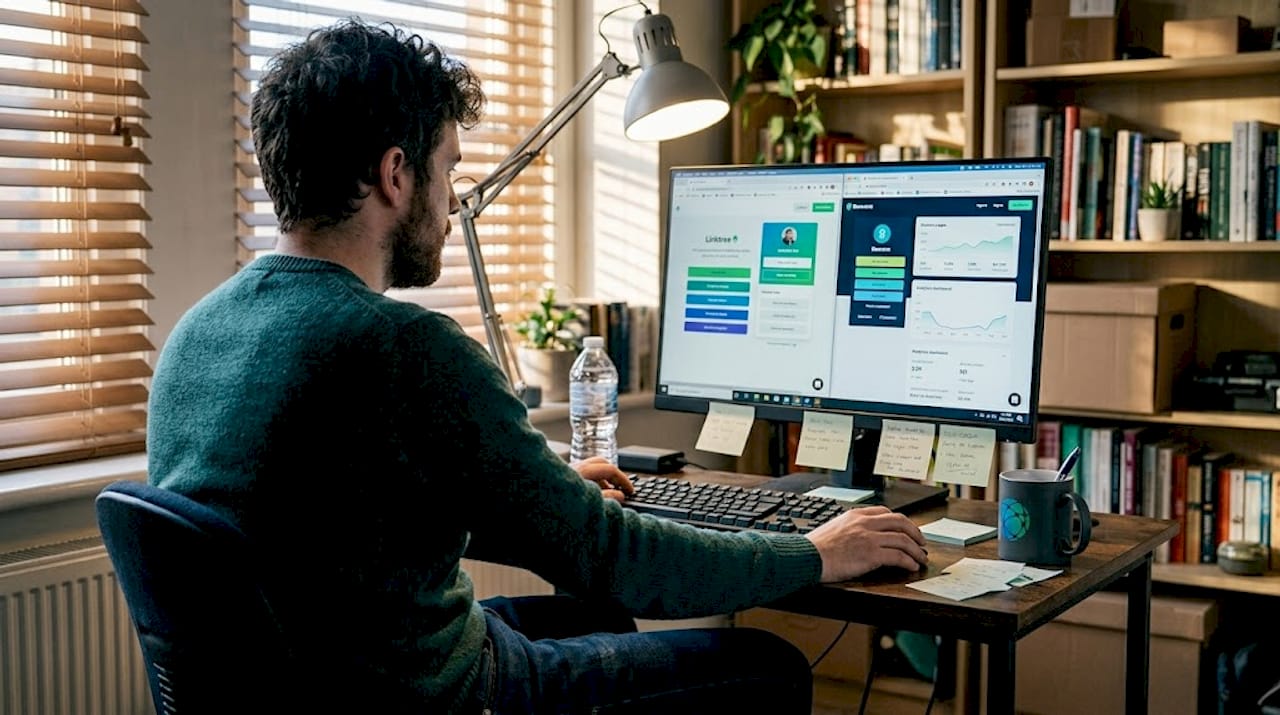
Multi-link hub (link in bio tool) is the most popular choice for active creators. Platforms like Lflow.co let you build a branded landing page with multiple links, organized by priority. You can update the page anytime without touching your bio URL.
Dynamic redirect tools automatically change the destination URL based on rules you set, like time of day or geographic location. These are more complex and usually require technical setup or a paid tier.
QR code integration lets you bridge your offline and online presence. A QR code linked to your bio hub works on merchandise, business cards, event signage, or printed content. This is especially powerful for creators who sell physical products or appear at live events.
Here's a side-by-side comparison to help you decide:
| Type | Cost | User experience | Analytics | Customization |
|---|---|---|---|---|
| Single direct link | Free | Simple, no friction | None | None |
| Multi-link hub | Free to paid | Organized, browsable | Full click data | High |
| Dynamic redirect | Paid | Seamless for users | Moderate | Moderate |
| QR code integration | Free to low cost | Fast for offline users | Basic scan data | Moderate |
The multi-link hub wins for most creators because it balances simplicity with flexibility. But there's a real risk: adding too many links. Link aggregators can overwhelm if the hub lists too many choices, which can actually reduce clicks instead of increasing them. The psychology of choice is real. When people see 15 options, they often pick none.
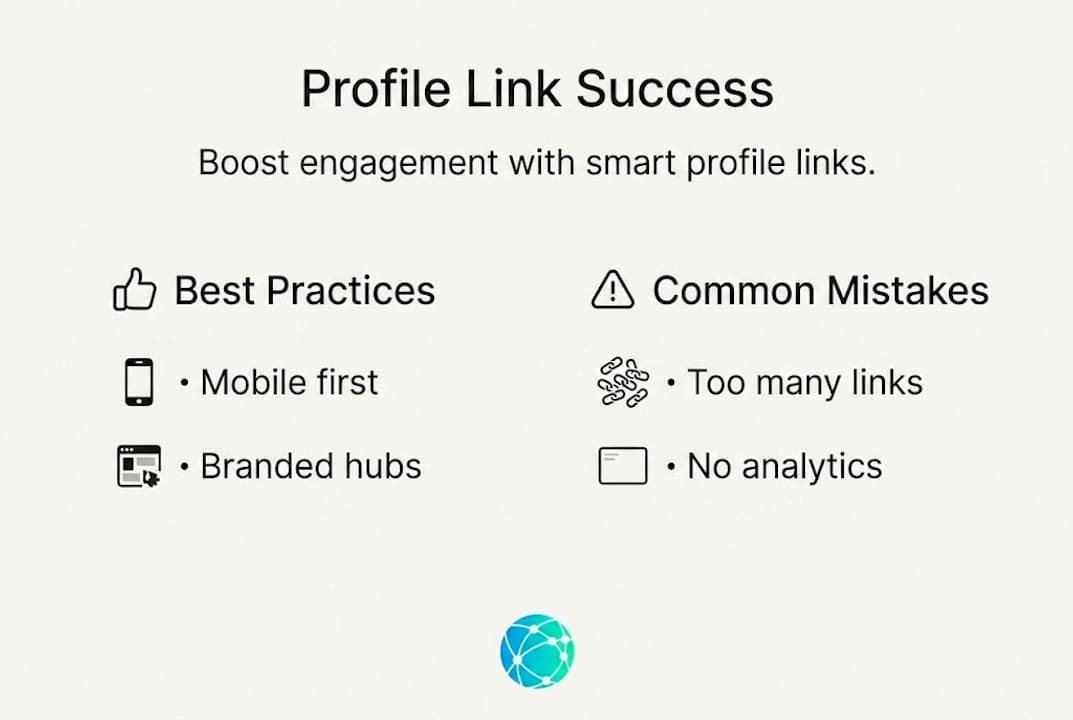
Pro Tip: Limit your link hub to five or six links maximum. Prioritize the actions you most want your audience to take, and rotate seasonal or campaign-specific links in and out rather than stacking them permanently.
Investing time in branding your bio links also pays off more than most creators expect. A hub that matches your visual identity builds trust instantly. Visitors who recognize your colors, fonts, and tone are more likely to click through because the experience feels intentional rather than cobbled together.
Best practices for maximizing engagement with profile links
Knowing your options is one thing. Using them effectively is another. Here's a practical workflow that top creators use to squeeze the most engagement out of their profile links.
1. Audit your current setup. Before changing anything, check what you already have. How many links are you currently sending people to? What's your click-through rate on each? If you don't have analytics yet, that's your first problem to solve. You can't improve what you can't measure.
2. Define your primary goal. Every bio link strategy should serve one main objective. Are you trying to grow your email list? Drive sales? Increase YouTube subscribers? Pick the single most important action you want visitors to take and make sure it's the first link they see.
3. Design for mobile first. The vast majority of social media browsing happens on phones. Your link hub needs to load fast, display cleanly on small screens, and require minimal scrolling to reach the most important links. If your hub looks great on desktop but cluttered on mobile, you're losing clicks.
4. Write value-driven calls to action. "Click here" is not a call to action. "Get my free editing preset pack" is. Every link in your hub should tell visitors exactly what they'll get and why it's worth their time. Specific language outperforms vague language every single time.
5. Use strong imagery and branding. Visual consistency between your social profiles and your link hub increases trust. Creators who improve bio link images see measurable lifts in click-through rates because the visual experience feels professional and cohesive from the first impression.
6. Test, then refine. Don't set your hub and forget it. Run your current setup for two to four weeks, check your analytics, then swap out the lowest-performing link for something new. Treat your bio hub like a landing page that you're always optimizing.
Pro Tip: Always test your links after making changes. A broken link in your bio hub is one of the fastest ways to lose trust with a new visitor. Set a weekly reminder to click through every link yourself.
Understanding that platform benchmarks matter is also essential here. A "good" engagement rate depends on your platform, industry, and follower count. Chasing a number that's irrelevant to your situation leads to bad decisions. Know your baseline, then work to beat your own previous performance rather than comparing yourself to creators in completely different niches or at different scales.
You can also boost performance with AI by using smart content tools to keep your hub copy fresh, your CTAs relevant, and your link priorities aligned with what your audience is currently responding to.
Measuring success: Analytics, benchmarks, and real-world case studies
Building a great link hub is only half the job. The other half is knowing whether it's actually working. Analytics are where most creators either get lost or give up, but they don't have to be complicated.
Start with three core metrics: click-through rate (CTR), total clicks per link, and engagement rate on the posts that drive traffic to your bio. These three numbers tell you whether your audience is interested, which specific offers resonate, and whether your content is motivating people to visit your profile in the first place.
Platform engagement benchmarks from Hootsuite show that average rates differ significantly across networks and audience sizes. Here's a simplified reference table:
| Platform | Small accounts (under 10K) | Mid-tier (10K to 100K) | Large accounts (100K+) |
|---|---|---|---|
| 3% to 6% | 1.5% to 3% | 1% to 2% | |
| TikTok | 5% to 9% | 3% to 6% | 2% to 4% |
| YouTube | 2% to 4% | 1.5% to 3% | 1% to 2% |
| 2% to 5% | 1% to 3% | 0.5% to 2% |
These numbers are averages, not targets. Your goal is to understand where you currently sit, then improve incrementally. A creator who moves from 1.2% to 1.8% engagement on Instagram has made a significant improvement, even if neither number sounds impressive in isolation.
Real-world scenarios illustrate this well. Consider a food creator with 25,000 Instagram followers who previously linked directly to their website homepage. After switching to a link hub with four prioritized links (recipe ebook, YouTube channel, newsletter signup, and affiliate shop), their bio click-through rate increased by roughly 40% within the first month. The key wasn't adding more links. It was organizing the existing destinations more clearly and labeling each one with a specific benefit.
Common pitfalls that hurt profile link performance include:
- Outdated links: A link to a sold-out product or expired promotion destroys trust immediately.
- Generic CTAs: Vague labels like "my website" or "shop here" give visitors no reason to click.
- Ignoring mobile UX: A hub that requires pinching or zooming on mobile loses visitors in seconds.
- No analytics setup: Without data, you're guessing. Even basic click tracking changes how you make decisions.
- Changing links too frequently: Consistency matters. If your audience expects to find your newsletter link and it's gone, they won't go looking for it.
For deeper inspiration, case studies for lead generation from small businesses show how the same principles that apply to profile linking translate directly into real conversion results. You can also browse more creator tips to keep building on what you learn here.
The hidden power—and pitfalls—of profile linking most creators miss
Here's a perspective most guides skip: the biggest profile linking mistake isn't using the wrong tool. It's using the right tool the wrong way by filling it with every link you've ever created.
We've watched creators build beautiful, branded link hubs and then immediately undermine them by adding 12 links because they couldn't decide what to cut. The result looks thorough but performs terribly. Visitors experience decision paralysis and leave without clicking anything. Link aggregators can actually disappoint users when the hub feels cluttered after the initial profile click.
The creators who get the best results from profile linking think like funnel designers, not librarians. They're not trying to organize all their content. They're trying to move a specific visitor toward a specific action. That mental shift changes everything about how you build and maintain your hub.
Brand consistency with links is another area where experienced creators separate themselves. It's not vanity. When your hub looks and feels like your brand, visitors trust it more and click more confidently. Don't follow trends blindly. Experiment with what fits your audience's expectations and your brand's personality, then double down on what the data confirms.
Ready to streamline your profile links and boost engagement?
Everything covered in this guide points toward one practical next step: building a link hub that's clean, branded, and measurable. That's exactly what Lflow.co makes possible, for free, in under two minutes.

Linkflow's free Link in Bio tool gives you full customization over colors, fonts, and layout so your hub matches your brand without any design experience required. Browse the Link in Bio templates to find a starting point that fits your style, then make it your own. And if you're promoting offline, the free QR code tools let you connect your physical presence to your digital hub instantly. Simplicity, branding, and real analytics all in one place.
Frequently asked questions
What is the main goal of profile linking?
The main goal is to drive audience engagement by giving followers a clear, direct way to access your most important pages or offers from your social media bio.
Does profile linking work the same on every social platform?
No, engagement benchmarks and best strategies vary widely by platform and follower tier. Engagement performance varies substantially by platform and follower size, so you should use metrics tailored to each network rather than applying one universal standard.
Are link-in-bio tools always a good idea?
Not always. Link aggregators can introduce friction or overwhelm if the hub lists too many choices, which may reduce clicks instead of increasing them.
How should I measure profile linking success?
Measure success by tracking clicks and engagement rate, then benchmark your performance based on your specific platform and follower count. Platform-appropriate metrics are far more useful than chasing a universal engagement rate target that may not apply to your niche or audience size.