
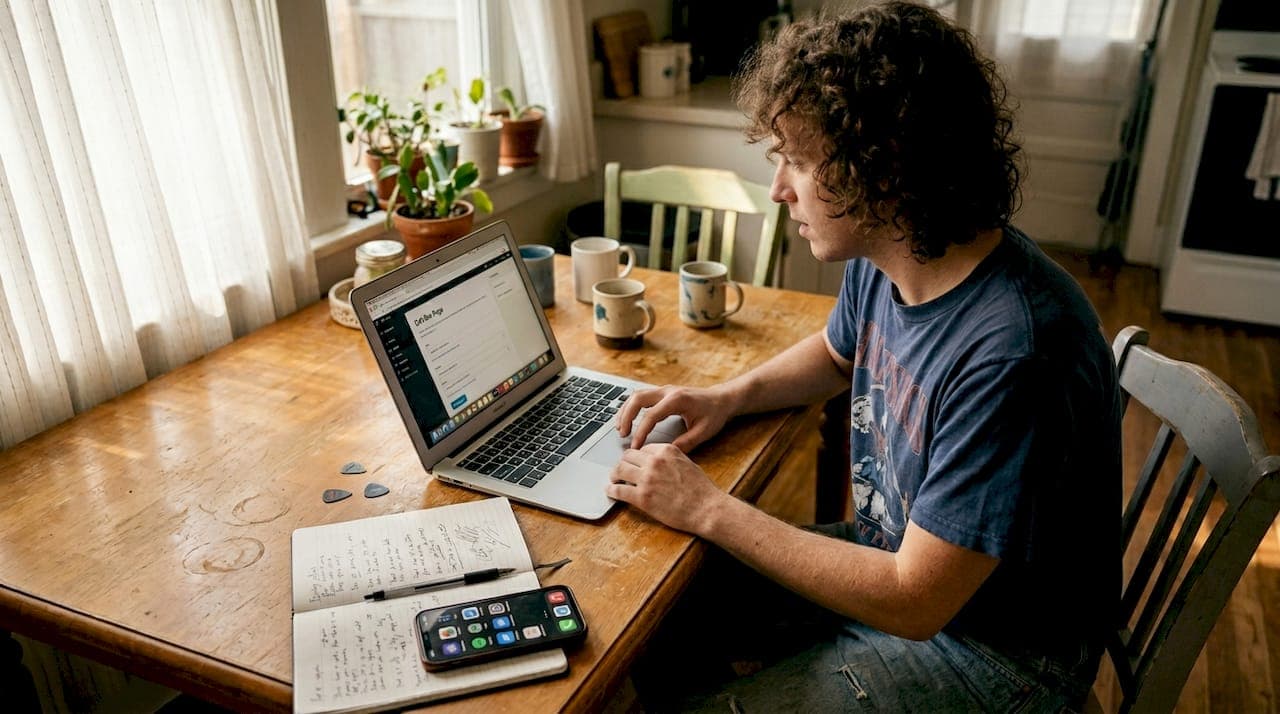
You get one link. One. That's the brutal reality for artists and creators on Instagram, TikTok, and most other platforms. You're trying to point fans to your new single, your merch store, your YouTube channel, your tour dates, and your newsletter — all at once. Cramming all of that into a single URL sounds impossible, but a well-built artist bio link hub solves it completely. This guide walks you through everything: what to prepare, which platform to choose, how to build it step by step, and how to keep improving it over time.
Table of Contents
- What you need before you start
- Choosing the right artist bio link tool
- Step-by-step artist bio link setup process
- Troubleshooting and optimizing your artist bio link
- Why most artist bio links underperform — and how to stand out
- Easily create your artist bio link with Linkflow
- Frequently asked questions
Key Takeaways
| Point | Details |
|---|---|
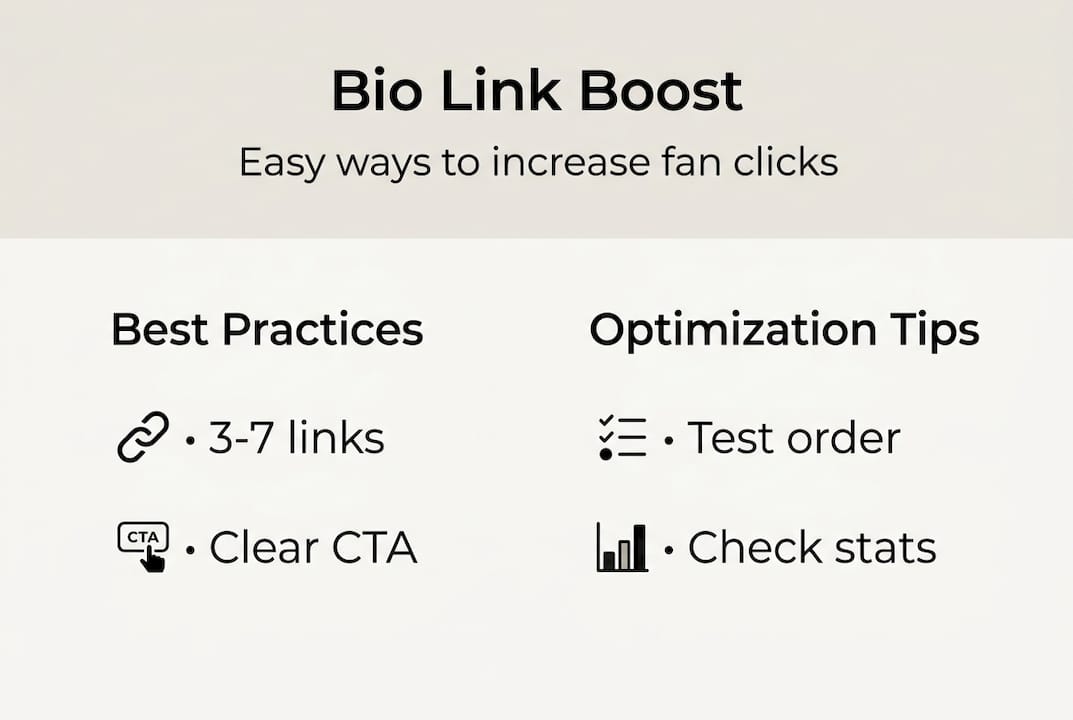
| Keep it brief | Limit your artist bio link to 3-7 top priorities for the best engagement. |
| Test your setup | Regularly review link analytics and optimize as audience interests shift. |
| Brand for impact | Use colors, labels, and images that reinforce your artist identity. |
| Go mobile-first | Design and test your bio link on mobile for optimal results. |
What you need before you start
Before you open any platform and start clicking around, a little prep work saves you a lot of frustration later. Think of this phase as gathering your ingredients before you cook. Jumping in without a plan usually leads to a cluttered, unfocused page that confuses your fans instead of guiding them.
Gather your URLs first. Write down every link you want to include — your Spotify profile, Apple Music, Bandcamp, YouTube channel, merch store, website, booking email, and any active social profiles. Don't filter yet. Just collect.
Next, identify your primary call to action. What do you most want a fan to do right now? Stream your latest release? Buy a ticket? Join your email list? That link goes first, above everything else. Every other link is secondary.
Here's a critical insight most creators ignore: limiting links to 3-7 improves click-through rates, and mobile optimization is essential since the overwhelming majority of your fans tap your bio link from a phone. More links create decision fatigue. Fewer, well-labeled links drive action.
Assets you need ready:
- A high-quality profile photo or artist logo
- Your brand colors (hex codes if possible)
- A short bio or tagline (one sentence is enough)
- Any banner or background image you want to use
- Font preferences that match your visual identity
When it comes to fonts and visual style, matching your brand with fonts makes your page feel intentional rather than generic. Fans notice the difference between a page that looks like a default template and one that actually feels like you.
You should also browse useful bio link templates before you start building. Seeing what's possible often sparks ideas you wouldn't have thought of on your own.
| Preparation task | Why it matters |
|---|---|
| List all URLs | Avoid missing key links |
| Pick primary CTA | Directs fan attention clearly |
| Gather brand assets | Speeds up design process |
| Know your audience | Shapes which links to prioritize |
| Limit to 3-7 links | Boosts click-through rate |
Pro Tip: Label your buttons with specific, action-driven text like "Listen on Spotify" or "Grab tickets" instead of vague labels like "Music" or "Events." Specific labels convert significantly better because fans know exactly what happens when they tap.
Choosing the right artist bio link tool
With your content and branding ready, your next step is choosing a platform that fits your goals. Not all bio link tools are created equal, and the wrong choice can limit your growth.
The platform feature breakdown shows that different platforms have unique features, and these tools remain essential even after Instagram introduced its own multi-link option. Why? Because third-party platforms offer far more customization, analytics, and monetization than native features ever will.
Key features to compare when choosing a platform:
- Analytics: Can you see which links get clicked, when, and from where?
- Customization: Can you match colors, fonts, and layouts to your brand?
- Monetization: Can you sell music, merch, or digital products directly?
- Ease of use: How fast can you get a page live?
- Price: Is there a free tier that actually works?
Here's a quick comparison of the most popular options:
| Platform | Best for | Analytics | Free tier | Monetization |
|---|---|---|---|---|
| Linktree | Fast, simple setup | Basic | Yes | Limited |
| Beacons | Content-rich pages | Strong | Yes | Yes |
| Stan | Selling courses/products | Moderate | Yes | Strong |
| Linkflow | Branded creator hubs | Real-time | Yes | Yes |
Linktree is the most recognized name and works well if you just need something up fast. Beacons and Stan go further, letting you embed media, add storefronts, and create more immersive fan experiences. If you want a deeper look at how Linkflow stacks up, the Linkflow vs Linktree comparison breaks down the differences clearly.
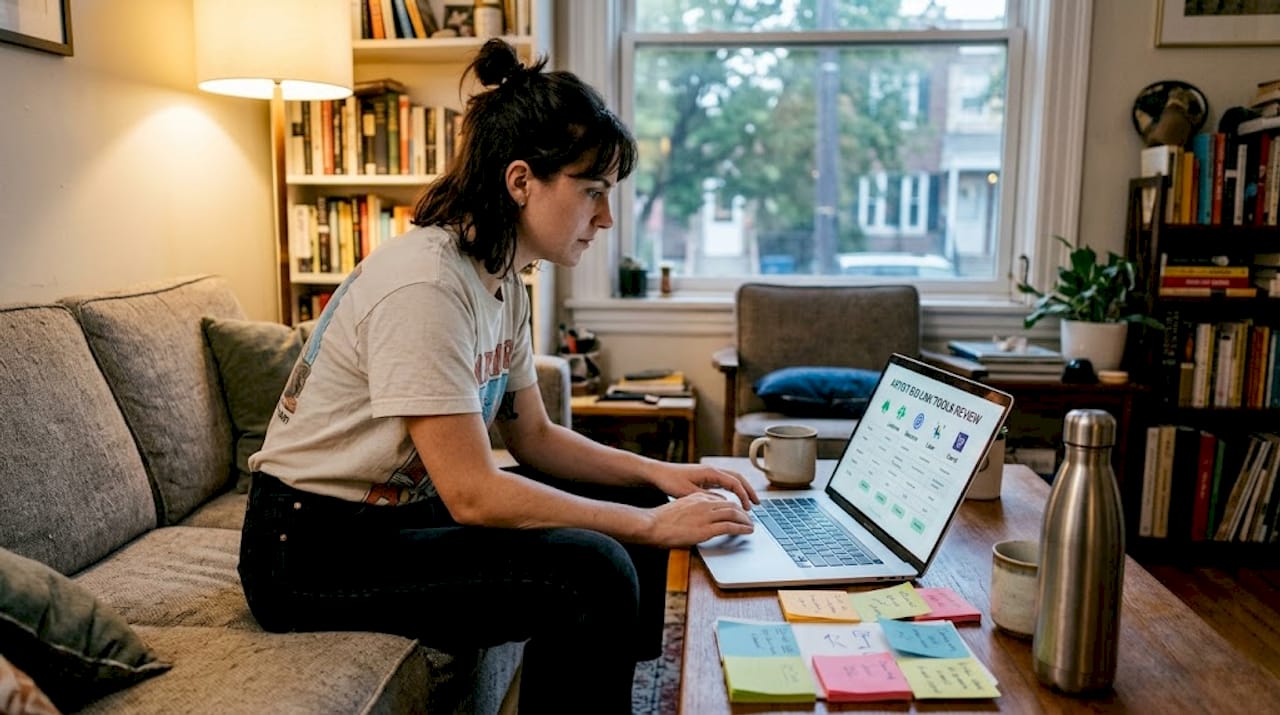
One thing worth understanding: dynamic vs. static links. A static link list just sits there. A dynamic hub updates based on your goals, features new releases prominently, and guides fans through a journey. Static lists are outdated. The platforms that let you rotate featured content, add embedded players, and track performance are the ones worth your time. Check out pro bio link strategies for more ideas on making your page work harder.
Step-by-step artist bio link setup process
Once you've chosen your tool, it's time to actually build your artist bio link with these clear steps.
-
Sign up and set your profile basics. Add your artist name, upload your profile photo or logo, and write a one-line bio. This is the first thing fans see, so make it count.
-
Add your top-priority links. Start with your primary CTA link at the top. Then add your remaining links, keeping the total between 3 and 7. Limiting the number of links and using engaging labels consistently improves results across platforms.
-
Organize link order to match your goals. If you're promoting a new album, that link goes first. Tour dates second. Everything else below. Think like a fan navigating your page for the first time.
-
Customize your design. Apply your brand colors, choose a background, and select fonts that feel right for your style. A cohesive design builds trust and makes your page memorable.
-
Preview and mobile-test your page. Always check how your page looks on a phone screen before publishing. Buttons should be easy to tap, text should be readable, and nothing should feel cramped. Conversion rate insights consistently show that mobile experience is the biggest factor in whether fans click or bounce.
-
Grab your bio link URL and add it everywhere. Paste it into your Instagram bio, TikTok bio, YouTube about section, Twitter/X profile, and anywhere else you're active. You can set up your free bio link in under two minutes and have it live across all your profiles the same day.
-
Write or generate your bio text. If you're stuck on what to write, AI bio text generation can help you craft a compelling, on-brand description in seconds.
Pro Tip: Treat your bio link page like a live document, not a one-time setup. Update it every time you drop new music, announce a tour, or launch a campaign. Fans who visit regularly will notice when it feels fresh and relevant.
Troubleshooting and optimizing your artist bio link
Your setup is live, but maximizing its impact requires ongoing tweaks and troubleshooting.
The most common sign that something isn't working is low click-through rate (CTR). If people visit your bio link page but don't tap anything, that's a signal. Either the links aren't relevant, the labels are confusing, or the design is creating friction.
Common mistakes artists make:
- Too many links competing for attention
- Vague button labels like "Click here" or "More"
- Poor mobile layout with tiny buttons or cluttered text
- Outdated links pointing to expired content or old campaigns
- No clear visual hierarchy — everything looks equally important
Fixes that actually work:
- Remove any link that hasn't been clicked in 30 days
- Rewrite button labels to be specific and action-driven
- Move your highest-priority link to the very top
- Test a different background color or button style
- Add a thumbnail or image to your most important link
Testing and evolving your bio link increases performance over time. One-size setups rarely work because every artist has a different audience with different habits.
"Static lists are outdated; dynamic funnels boost engagement."
Reading your analytics is the fastest way to know what's working. Look for which links get the most clicks, what time of day traffic spikes, and where your visitors are coming from. Use that data to reorganize and rewrite. For deeper guidance, AI-driven optimization tips can help you interpret patterns and act on them.
| Issue | Likely cause | Fix |
|---|---|---|
| Low CTR overall | Too many links or poor labels | Cut links, rewrite CTAs |
| High visits, low clicks | Weak design or no clear CTA | Redesign top section |
| Drop-off on mobile | Poor mobile layout | Test and adjust button sizes |
| Stale engagement | Outdated content | Update links for new releases |
Pro Tip: Rotate your featured link every time you have something new to promote. A bio link page that always shows the same content trains fans to stop looking at it. Keep it fresh and they'll keep coming back. You can also explore bio link analytics tips to build a smarter review habit.
Why most artist bio links underperform — and how to stand out
Most artists set up a bio link page once, add five links, and forget about it. That's exactly why most bio links underperform. The page becomes a static menu that fans scroll past without engaging.
Here's the uncomfortable truth: a default link list is easy to ignore. It has no personality, no urgency, and no reason for a fan to feel anything. A one-size-fits-all bio link strategy is outdated and ignores real opportunities for branding and engagement. The artists who get results treat their bio link page as a personal landing page, not a bookmark folder.
Branded, interactive pages with embedded media, clear visual identity, and a single dominant CTA convert far better than plain lists. But here's where many creators go wrong: they copy what a bigger artist is doing without measuring whether it actually works for their audience. Your fans are not someone else's fans. What converts for a pop artist may completely miss for an indie producer.
The solution is to test deliberately. Change one element at a time — a button label, a color, a link order — and watch your analytics for a week. For strong branding advice for artists, the goal is always to make your page feel unmistakably like you, not like a template everyone else is using.
Pro Tip: Run a simple A/B test by changing your top CTA label for two weeks and comparing click rates. Small copy changes often produce surprisingly large results.
Easily create your artist bio link with Linkflow
Ready to put this guide into action? Linkflow makes the entire process simple, free, and fast — no technical skills needed.

With Linkflow, you get unlimited links, real-time analytics, QR code downloads, and full design customization all in one place. You can create your free bio link in under two minutes and have a polished, mobile-optimized page live before your next post goes up. If writing your bio feels like a chore, you can generate your bio instantly using the built-in AI tool. And if you want a head start on design, browse the pre-built templates to find a style that already fits your brand. Your audience is one tap away.
Frequently asked questions
How many links should I include in my artist bio link?
3-7 links maintain higher CTR and keep your page focused. More than seven links sharply decreases the chance that fans click anything at all.
Which bio link platform is best for artists?
Linkflow, Linktree, Beacons, and Stan each have real strengths depending on your needs. Different tools serve different needs — choose based on whether analytics, customization, or monetization matters most to you.
How do I optimize my bio link for mobile users?
Use thumb-friendly buttons, write clear and specific labels, and always preview your page on a phone before publishing. 90%+ of bio link traffic comes from mobile devices, so mobile optimization is non-negotiable.
Should I include a store or just links on my bio page?
Embedding stores, music players, or galleries can significantly boost engagement and sales. Evolving from lists to branded hubs with embeds increases conversion, but always test what resonates with your specific audience before committing to a full redesign.